Compression and Nerve Impingement Relief Techniques for Home Office Workers Who Sit Prolongingly Throughout the Day
You should move every 30–60 minutes to reduce disc compression and prevent nerve irritation, even with perfect posture or a high-end ergonomic chair. Adjust your desk so your monitor is at eye level, elbows stay at 90 degrees, and wrists remain neutral to avoid strain. Pair this with hourly stretches like ankle pumps and seated twists to keep nerves mobile. A chair with adjustable depth and armrests helps, but won’t fix prolonged inactivity-consistency matters most. There’s more to optimizing your setup for long-term nerve health.
Notable Insights
- Take movement breaks every 30–60 minutes to reduce disc compression and prevent nerve inflammation from prolonged sitting.
- Maintain spinal alignment with ears over shoulders and shoulders over hips to minimize nerve impingement risk.
- Position your monitor at eye level and arm’s length away to reduce neck strain and upper spinal nerve pressure.
- Perform hourly nerve glides and micro-stretches like ankle pumps and seated flossing to maintain nerve mobility.
- Use an ergonomic chair with adjustable armrests and seat depth to support posture and reduce nerve compression.
How Prolonged Sitting Compresses Nerves
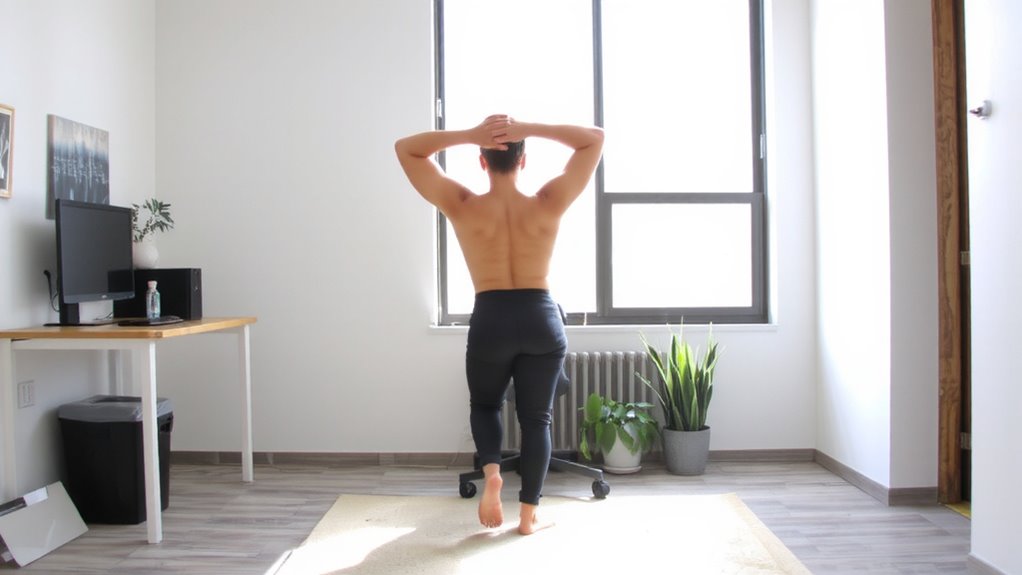
While sitting all day might seem harmless, it often leads to nerve compression, especially if your chair lacks proper lumbar support or your desk forces your spine into a slouched position. You’re likely increasing disc compression with every hour, pressing spinal structures that can trigger nerve inflammation. This isn’t just discomfort-it’s a physical change in how your nerves function. Over time, sustained pressure irritates the sciatic nerve or cervical roots, causing tingling, numbness, or sharp pain. Even high-end ergonomic chairs won’t fix this if you don’t stand or stretch regularly. Adjustable desks help, but only if used consistently. There’s no magic setup that eliminates risk; real protection comes from movement, not just better gear. Warranties and premium foam won’t counteract prolonged static posture. You need to break sitting cycles every 30–60 minutes. That’s the only tested way to reduce both disc compression and nerve inflammation effectively. For those seeking dynamic support, consider chairs designed for best active sitting chairs to encourage subtle spinal movement and improved posture.
Fix Your Posture to Relieve Spinal Pressure
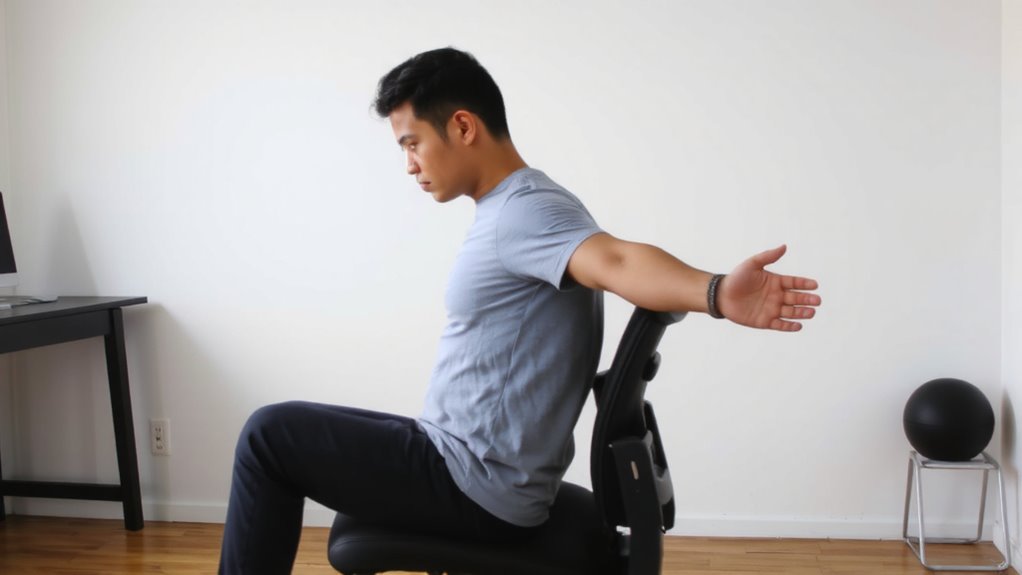
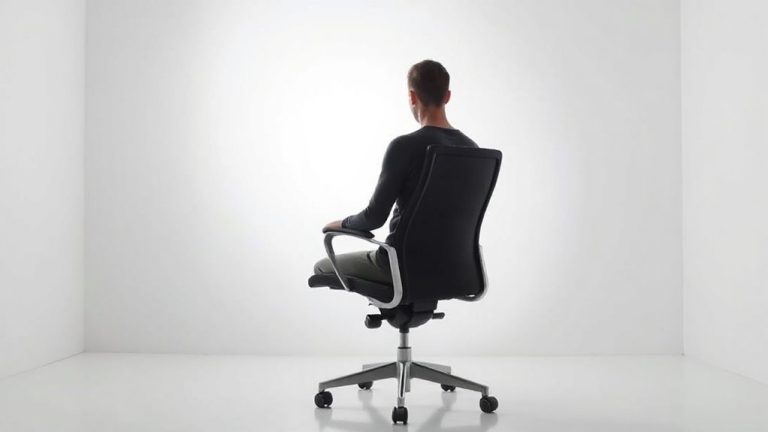
How often do you check your posture during the workday? Not often enough, probably. Poor posture increases spinal pressure, especially if you sit for hours. Fixing it starts with aligning your spine-keep your ears over your shoulders and your shoulders over your hips. This spinal alignment reduces disc compression and helps prevent nerve irritation. You also need core engagement: lightly brace your abdominal muscles as if preparing for a light tap. It’s not about clenching-just enough to support your lower back. Don’t rely on chairs with “ergonomic” lumbar boosts alone; they might force an unnatural curve. Instead, use posture as the primary control. You’ll feel a difference within minutes, but it takes consistent effort. Even with perfect form, long sessions still strain your body-so move every 30 minutes. Good posture isn’t a fix-all, but it’s one of the most effective, no-cost defenses against spinal compression. Choosing the right support matters-consider investing in one of the best ergonomic office chairs to maintain healthy sitting alignment throughout the day.
Set Up Your Desk to Reduce Nerve Strain
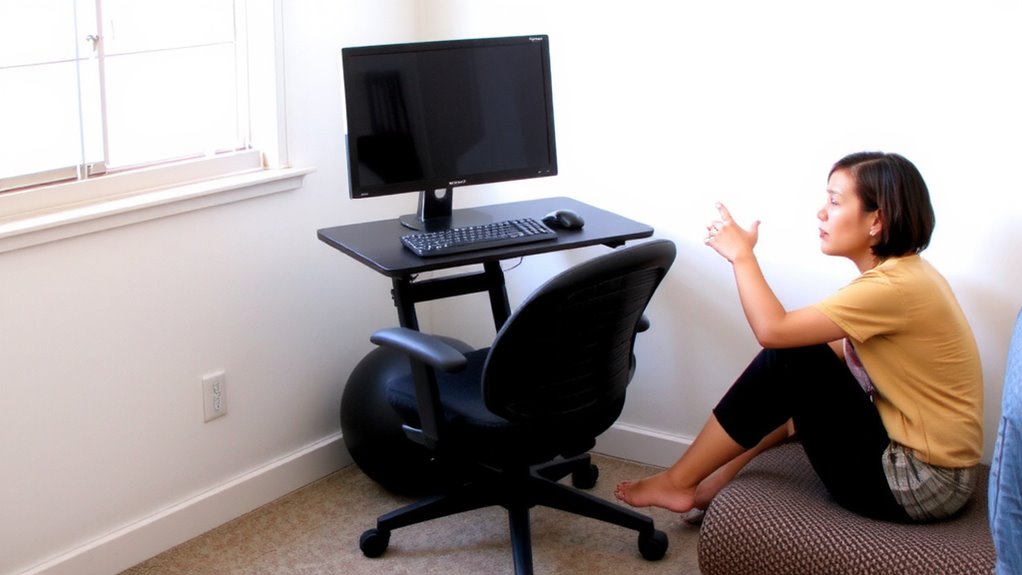
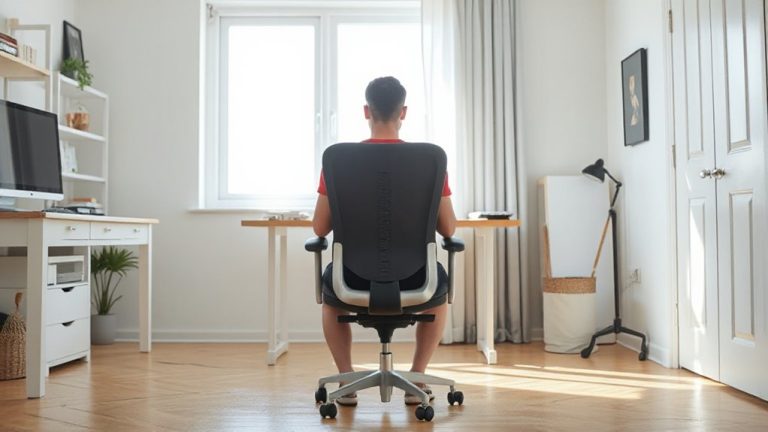
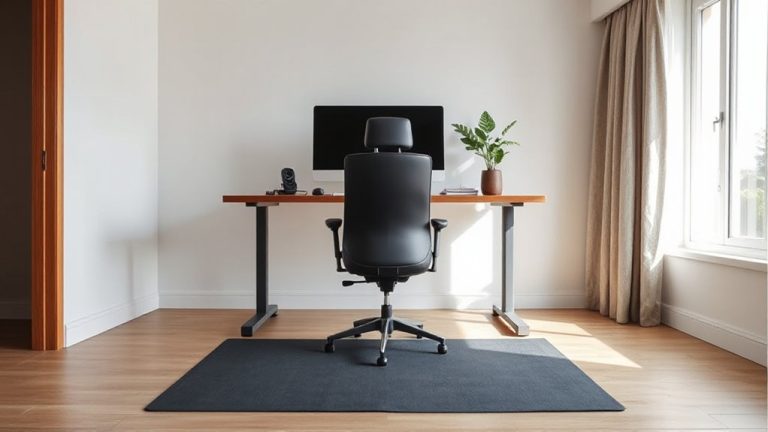
If you’re serious about protecting your nerves, start by positioning your monitor at eye level and about an arm’s length away-this simple step cuts down on neck strain and prevents upper thoracic pressure that can lead to brachial plexus irritation. Good desk ergonomics means aligning your keyboard so wrists stay neutral and elbows bent at 90 degrees, reducing carpal tunnel compression. Use a chair with solid lumbar support, but don’t rely on it entirely-your posture still matters. Tidy cable management isn’t just about looks; loose cords encourage tugging, twisting, and accidental disconnections that disrupt your setup. Route cables through clips or sleeves to keep them secure and out of the way. While standing desks and ergonomic accessories can help, they’re not magic fixes-poor adjustment can worsen strain. Test height settings over a few days, make small tweaks, and remember: even the best gear fails if used wrong. A well-chosen best home office desk supports proper alignment and long-term comfort.
Stretch Hourly to Prevent Sciatica and Numbness
Regularly stretching every hour can seriously reduce your risk of sciatica and numbness, especially if you sit for long stretches at a desk. Simple nerve glide techniques-like slow ankle pumps or seated sciatic flossing-help maintain nerve mobility and reduce compression. Pair this with seated muscle activation: engage your glutes, squeeze your core, and lift your legs slightly to wake up dormant muscles that support posture. These micro-movements combat the numbing effects of prolonged sitting. You don’t need special equipment or extra space-just consistent, mindful effort. Though results vary by individual, most report improved sensation and less lower back discomfort within weeks. But don’t overdo it: aggressive glides or poor form might irritate nerves. Stick to gentle, controlled motions. Even the best stretch routine won’t fix a fundamentally flawed workstation-alignment still matters. Use timers or app alerts to build the habit. Consistency beats intensity here.
Try These 5 Stretches for Arm and Back Relief
What if relieving that nagging arm and back tension didn’t require expensive gear or a trip to the clinic? You can reduce compression with simple, effective stretches done right at your desk. Try seated spinal twists to ease back stiffness and improve posture alignment. Perform shoulder rotation exercises-10 forward, 10 backward-to loosen tight rotator cuffs from hunching over your keyboard. Use wrist flexion stretches by extending your arm and gently pulling fingers back to counteract typing strain. Add doorway chest stretches to open tight pectorals that pull shoulders forward. Finish with supported neck tilts to relieve nerve pressure. Do each stretch slowly, holding for 20–30 seconds, and repeat hourly. These moves target common compression points, but consistency matters more than intensity. Overstretching may worsen irritation, so stop if you feel sharp pain. They’re not a cure-all, but they help maintain mobility when performed correctly.
Pick a Chair That Prevents Nerve Compression
While you might not think twice about your office chair, choosing the right one plays a crucial role in preventing nerve compression and long-term discomfort. A chair with proper ergonomic design supports your spine’s natural curve and reduces pressure on nerves. Cushion density matters too-too soft and you’ll sink, promoting poor posture; too firm and you’ll feel sore. Look for medium-density foam that balances support and comfort. Adjustability in seat height, armrests, and lumbar support lets you fine-tune your fit. Below are key features to evaluate:
| Feature | Why It Matters |
|---|---|
| Lumbar support | Matches lower back’s curve |
| Seat depth | Prevents thigh pressure |
| Armrest height | Keeps shoulders relaxed |
| Ergonomic design | Aligns spine, reduces nerve strain |
| Cushion density | Supports weight without discomfort |
Even the best chair won’t help if you don’t move regularly.
When to See a Doctor for Numbness or Pain
You’ve picked a well-designed chair with adjustable lumbar support, proper cushion density, and a seat depth that keeps pressure off your thighs-yet you’re still dealing with numbness or persistent pain. If symptoms last more than two weeks despite ergonomic adjustments, it’s time to see a doctor. Persistent numbness can signal nerve inflammation, especially if you notice tingling or weakness in your limbs. Left untreated, chronic compression may lead to muscle atrophy, particularly in the legs or lower back. A healthcare provider can perform nerve conduction tests or imaging to pinpoint the cause. Early diagnosis improves outcomes and prevents long-term damage. Don’t assume a better chair or cushion will fix medical issues-some conditions need physical therapy, medication, or other interventions. While ergonomic gear helps manage discomfort, it’s not a substitute for clinical care when nerve function is at risk.
On a final note
You can reduce nerve compression with smart changes, but results depend on consistency. Adjust your chair height so feet rest flat and knees stay at 90 degrees-this cuts sciatic pressure. Use a lumbar roll to maintain spine curve and pair it with hourly stretches like seated forward folds or shoulder rolls. Standing desks help, but shift slowly to avoid leg fatigue. Not all ergonomic gear works-look for adjustable armrests, breathable mesh, and tested durability. Swap routines if pain persists; see a doctor if numbness lasts over a week.