Enhancing Visual Acuity Through Proper Illumination for Improved Focus and Comfort While Working Remotely
Use lights with a color temperature between 4000K and 5000K to boost focus and reduce eye strain-they mimic natural daylight without the glare of cooler bulbs or the drowsiness-linked warmth below 3000K. Pair flicker-free LEDs (800+ lumens, CRI over 90) with 90-degree task lighting to cut screen glare. Combine ambient, task, and bias lighting for consistent comfort. Reposition desks or add matte filters if needed. Top brands offer 3-year warranties, but results vary by room layout-yours might need fine-tuning.
Notable Insights
- Use LED lights with a color temperature between 4000K and 5000K to mimic natural daylight and support visual clarity.
- Position main lighting at a 90-degree angle to your monitor to minimize glare and screen reflections.
- Combine ambient, task, and accent lighting to create a balanced, adaptable workspace for sustained focus.
- Choose dimmable, flicker-free LEDs with a minimum of 800 lumens and high CRI (above 90) for accurate color and comfort.
- Install a bias light behind the monitor and use matte surfaces or screen filters to reduce eye strain.
Choose the Right Color Temperature
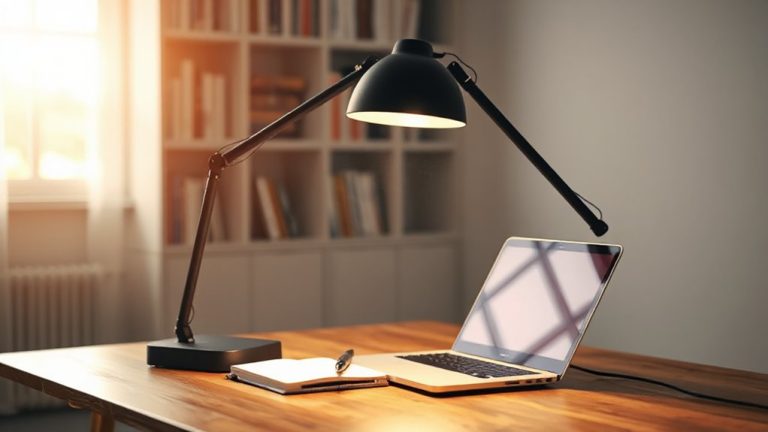
While your preference might lean toward warm or cool lighting, you’ll get the best visual clarity by selecting a color temperature between 4000K and 5000K-this range closely mimics natural daylight and reduces eye strain during prolonged screen work. Though color preferences vary, cooler lights above 5000K can feel harsh, while warmer tones below 3000K may induce drowsiness. This mid-range balance supports alertness without discomfort. LED bulbs in this spectrum typically offer superior energy efficiency, using up to 75% less power than incandescents and lasting 15,000 to 50,000 hours. Look for bulbs labeled “daylight” or “neutral white” with a CRI above 85 for accurate screen color representation. However, some budget LEDs flicker or dim poorly, so consider reputable brands with at least a 3-year warranty. Adjustable fixtures let you tailor output as needed. Ultimately, the right temperature boosts focus-but only if paired with consistent, glare-free distribution, which fixed bulbs sometimes struggle to deliver evenly. Top-rated adjustable desk lamps combine this optimal color temperature with flexible design for maximum visual comfort.
Position Lights to Eliminate Screen Glare
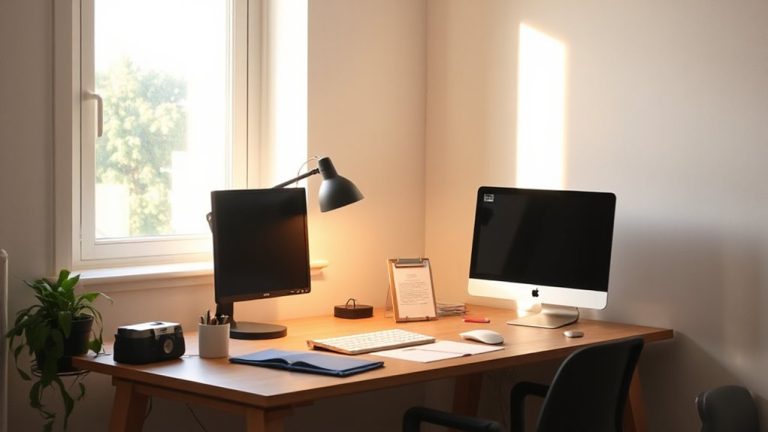
When positioning lights in your workspace, aim to eliminate screen glare by placing your main light source perpendicular to your monitor-either to the left or right-rather than directly behind or in front of it. Direct positioning matters because front or back lighting often causes harsh reflections, reducing visual clarity. Proper screen alignment with your eye level and light direction minimizes glare and boosts focus. Place desk lamps at a 90-degree angle to your screen for best results, and use matte finishes on surfaces to reduce bounce. Avoid bright lights in your direct line of sight, as they strain your eyes over time. While ideal setups depend on room layout and window placement, consistent testing shows perpendicular lighting improves comfort. You might need to adjust height or brightness based on your monitor’s anti-glare coating. This approach isn’t perfect for every room, but it’s a reliable starting point. A well-lit workspace complements the benefits of a high-quality desk mat by providing a cohesive, comfortable surface that supports both posture and visual clarity.
Combine Light Types for All-Day Comfort
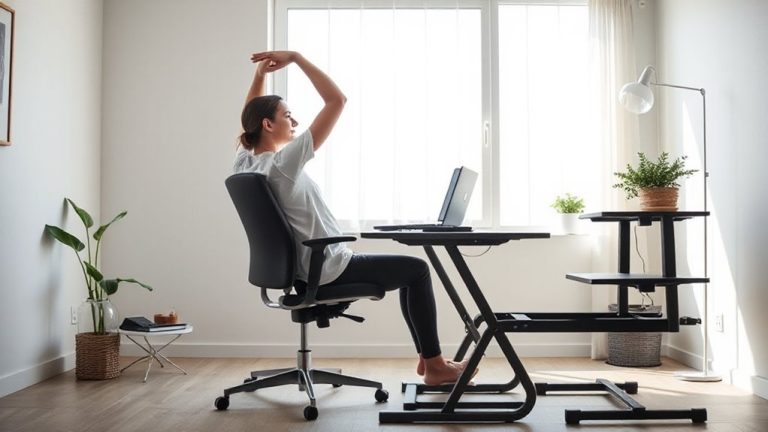
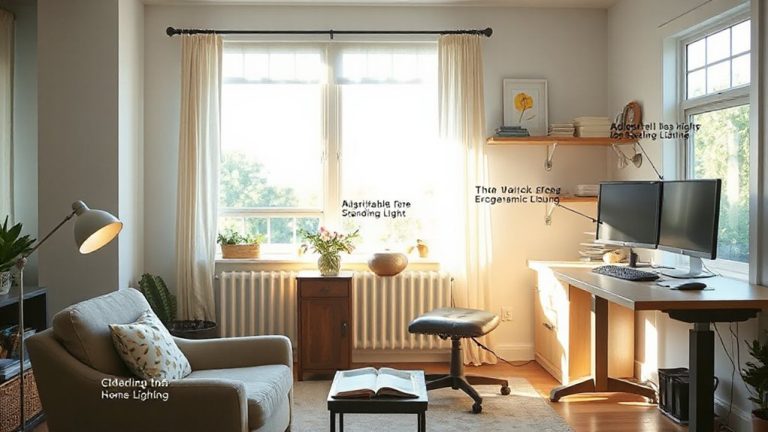
You’ll get the most comfortable lighting all day by combining ambient, task, and accent lights in your workspace. This approach-called light layering-balances overall brightness while reducing eye strain during long work sessions. Ambient lights, like ceiling fixtures, set the base level of illumination. Task lighting, such as adjustable desk lamps, supports task zoning by focusing light exactly where you type or write. Accent lights, though subtle, help preserve depth and visual interest in the room. Together, they let you adapt to changing natural light without overworking your eyes. Just make sure not to over-light; too many sources or overly bright bulbs can create glare or headaches. Effective light layering doesn’t require expensive gear-but it does demand thoughtful placement and control. Dimmers and directional fixtures improve flexibility, letting you adjust as needed throughout the day. Pairing proper lighting with an ergonomic seating solution like a standing desk stool can further enhance comfort and posture during extended work hours.
Pick the Best Bulbs for Your Home Office
What makes a bulb truly work for your home office? It’s not just about brightness-it’s how well it balances bulb brightness and energy efficiency. You’ll want bulbs with at least 800 lumens to match daylight levels and reduce eye strain during long tasks. Opt for LEDs; they deliver high energy efficiency, last 25,000 hours or more, and stay cool during use. Choose a color temperature between 4000K and 5000K for a neutral, alert-friendly light. Avoid cheap bulbs-they flicker or dim inconsistently, hurting focus. Even top brands vary: Philips and GE perform well in flicker and CRI tests, scoring above 90 for accurate color rendering. But check the warranty; some only cover 3 years. While LEDs cost more upfront, they cut electricity bills over time. Don’t overlook dimmability-pair only with compatible dimmer switches to avoid issues.
Fix Glare, Shadows, and Harsh Lighting Fast
Why does your screen still glare even after switching to a top-tier LED? Because light placement matters just as much as bulb quality. To fix glare, shadows, and harsh lighting fast, start by repositioning your desk so your monitor isn’t facing a window or bright light source-this helps reduce reflections instantly. Use a matte screen filter if repositioning isn’t possible. Balance brightness between your screen and surroundings; aim for ambient light around 300–500 lux, measured with an inexpensive light meter. Add a bias light behind your monitor to ease eye strain. Avoid bare bulbs or downlights that create sharp shadows. A flexible-arm task lamp with diffused LED output gives control without hotspots. These fixes are low-cost and fast, though results vary by room layout. There’s no universal setup-tweak positions based on actual use and comfort, not aesthetics.
Why Bad Home Office Lighting Hurts Focus and Eyes
How much of your afternoon fatigue stems from squinting at a dim screen or straining through uneven lighting? Poor home office lighting directly contributes to eye strain, reducing focus and comfort over time. When ambient light doesn’t match screen brightness, your eyes constantly adjust, causing discomfort. Excessive blue light from unshielded LEDs or overhead fixtures intensifies this effect, disrupting circadian rhythms and worsening strain, especially in evenings. While warmer bulbs (2700–3000K) reduce blue light, they may not provide enough illumination for detailed tasks. A balanced setup uses task lighting-like a 400-lumen adjustable desk lamp with diffused shades-positioned to eliminate glare without casting shadows. Avoid placing lights directly behind or in front of your screen. No solution is perfect; overly bright environments create glare, while dim ones force eye strain. Test lighting at different times, and consider 1800–3200K LEDs with dimmer switches for adaptability.
On a final note
You’ll see clearer focus and eye comfort by upgrading your lighting setup. Use a 4000K LED task lamp to reduce glare and match natural daylight, but verify it’s dimmable for evening use. Pair overhead and task lights to balance brightness-avoid shadows and strain. Look for bulbs with a CRI above 90 for accurate color. Most quality fixtures offer 3-year warranties, but test placement first; even good gear fails if poorly positioned.