How to Align Task Light Beam Angle With Your Primary Work Surface for Precision
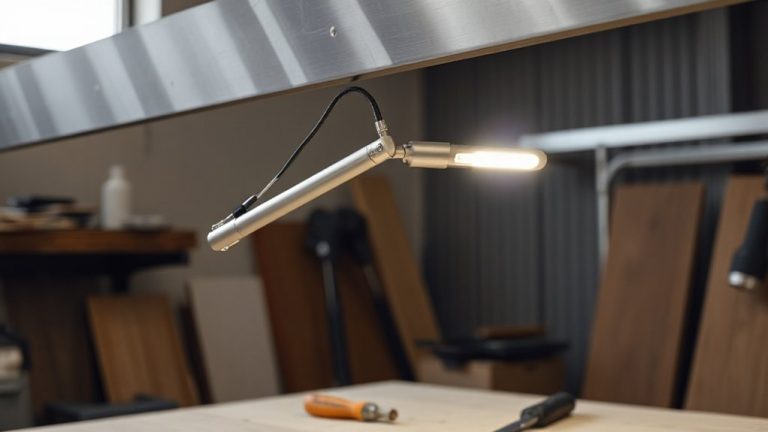
Position your task light with a 30° beam angle about 24 inches above your work surface to balance coverage and precision. Place it opposite your dominant hand-left for right-handed users-to cut shadows. Keep the beam just below eye level to avoid glare, especially on screens. Use an adjustable arm for fine control, and test the setup over long sessions to catch strain. Real-world performance often differs from specs, so verify beam spread yourself. You’ll find tailored adjustments make a noticeable difference in focus and comfort.
Notable Insights
- Choose a 30–45 degree beam angle to evenly illuminate the task area without glare or harsh shadows.
- Position the light opposite your dominant hand to minimize hand-cast shadows on the work surface.
- Place the lamp 18–24 inches above the surface and adjust height to align the beam just below eye level.
- Aim the beam slightly forward to cover the entire task zone while avoiding direct screen reflections.
- Use an adjustable-arm lamp and test the setup during extended use to prevent eye strain and fatigue.
Choose the Right Beam Angle for Your Task
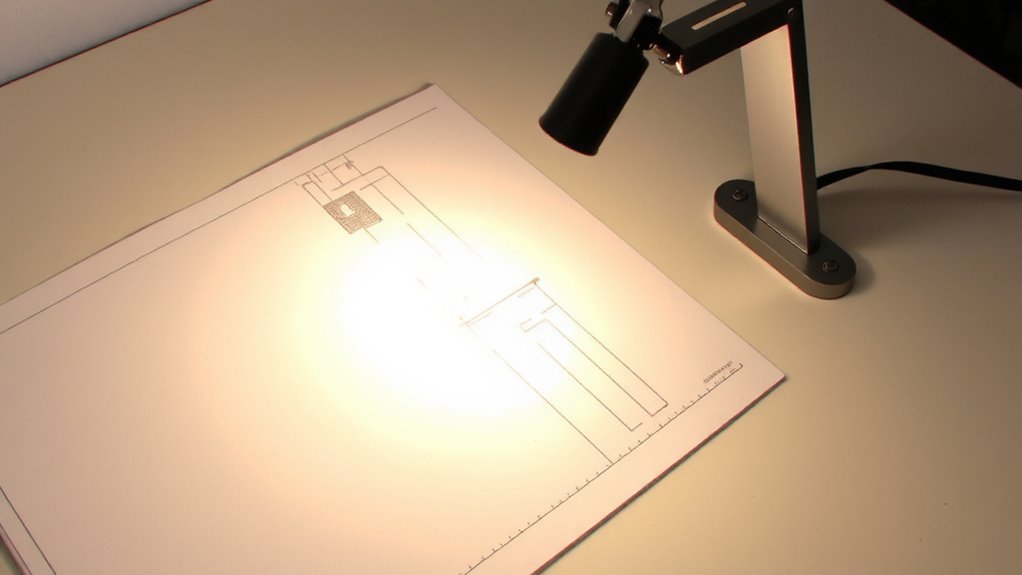
How do you know if your task light is actually helping you? You’ll see even illumination on your work surface without glare or shadows-signs you’ve picked the right beam angle. For most tasks like reading or drafting, a narrow to medium beam shape (15–30 degrees) gives focused coverage and sharp contrast. Wider angles (45+ degrees) suit larger surfaces but risk light spill if not aimed carefully. Look for adjustable intensity control so you can dim output based on ambient light-this prevents eye strain and boosts precision. Lights with 3000–5000K color temperatures and at least 80 CRI deliver accurate color and clarity. But remember: even the best beam won’t fix poor placement. Tilting heads and flexible arms help, but you’re responsible for alignment. Test real-world use over specs alone-some lights lose intensity at extreme angles. Choose balance, not brightness.
Measure Your Work Area to Match Beam Spread
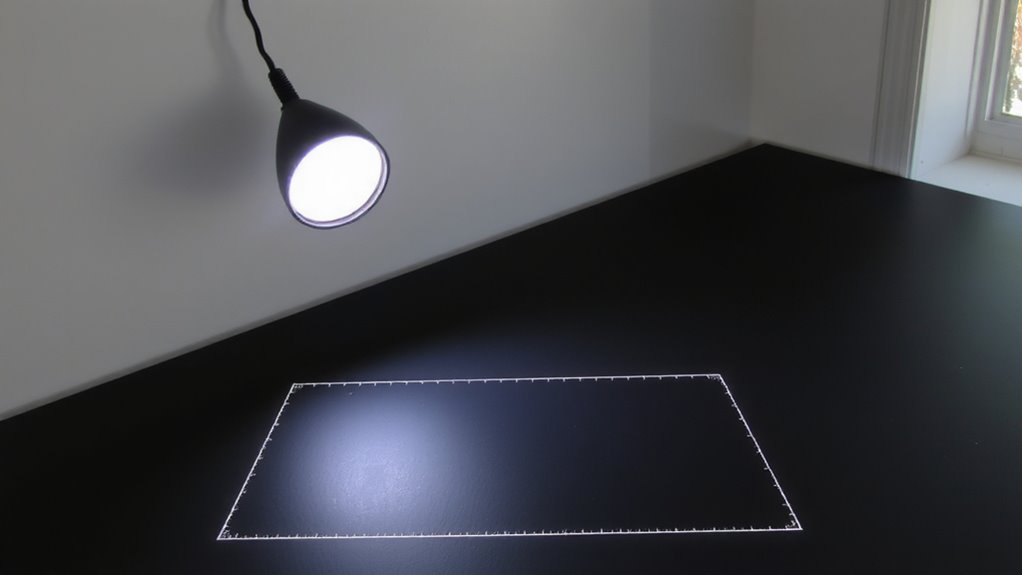
Why settle for guesswork when a few quick measurements could make your task light perform like it was custom-fit to your workspace? You need to measure your work area to match the beam spread effectively. Start by determining the beam width at your typical working distance-most lights list this in their specs. Use a simple distance calculation: multiply the beam angle by 0.018 times the distance from the light to your surface. For a 40° beam at 24 inches, that’s roughly 17 inches wide. This guarantees full coverage without dark edges. But don’t assume specs match reality-test it. Some LEDs overstate beam angles, leaving shadows or glare. Accuracy matters, especially if you’re switching lights or upgrading. And remember, a wider beam reduces intensity. If your task needs brightness over coverage, you might need to compromise. A well-chosen Top Desk Lamps model can balance beam angle and brightness for optimal workspace performance.
Aim the Light to Eliminate Shadows
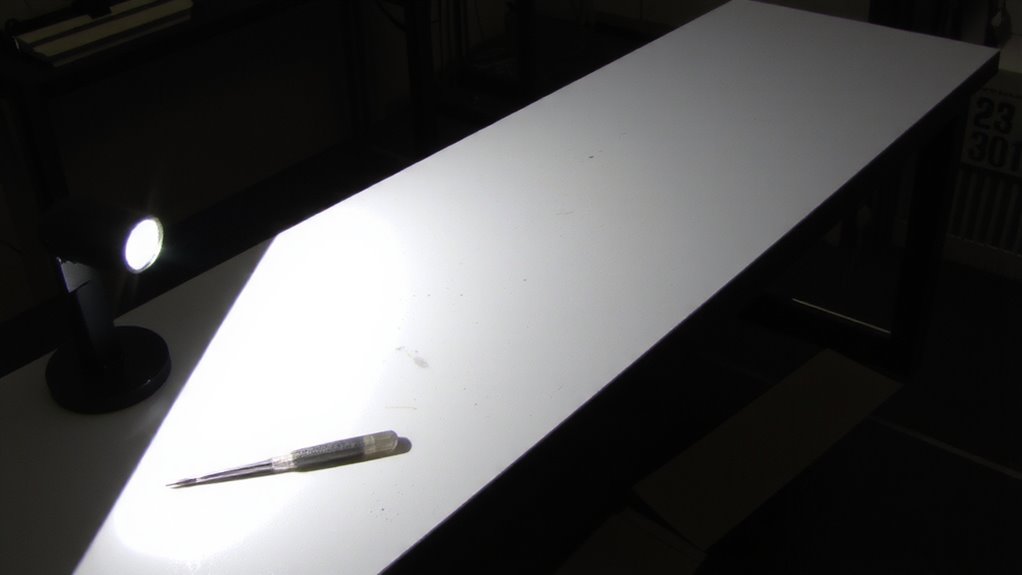
Where should you position your task light to avoid those pesky shadows creeping across your work? For ideal shadow reduction, place the light source to the side opposite your dominant hand-left if you’re right-handed, right if left-handed. This minimizes hand-induced shadows during writing or mouse use. Aim the beam slightly forward, ensuring direct illumination covers the entire task zone without glare. Position the fixture 18–24 inches above the surface, angling it at 30–45 degrees. That setup boosts precision, especially for detailed tasks like drafting or reading. Just mind the balance: too steep an angle may create harsh contrasts, while too shallow a tilt invites new shadows. Test adjustments under real-use conditions-your eyes will tell you when it’s right. Remember, even high-CRI LEDs need proper alignment to perform. For overall ergonomic harmony, consider pairing your optimized lighting setup with a well-chosen lumbar support to maintain proper posture during prolonged work sessions.
Align the Beam With Your Eye Level
Isn’t it frustrating when your task light feels like it’s working against you, no matter how perfectly you’ve angled the head? The issue might be beam height. To avoid glare and eye strain, align the beam just below eye level so it illuminates your work without shining directly into your eyes. Proper eye proximity-typically 12 to 18 inches above the task surface-ensures the light covers your workspace evenly without hotspots. If the beam sits too high, it creates reflections on screens; too low, and shadows creep in. Most adjustable-arm or articulated lamps let you fine-tune this, but check for smooth range of motion and secure locking. Remember, even high-CRI LEDs can cause discomfort if poorly positioned. There’s no universal setting-your chair height, desk depth, and reading angle all affect ideal placement. Test different heights while seated normally, then reassess after 20 minutes of use. For writers, choosing the right lamp can make a significant difference in comfort and productivity, and considering options from the best desk lamps for writers roundup can help identify models with optimal adjustability and beam control.
Fine-Tune Positioning for Comfort and Clarity
You’ve already aligned the beam just below your eye level to reduce glare and improve visual comfort, but even a well-positioned beam can fall short if the lamp’s height, reach, or pivot points don’t match how you actually work. Fine-tuning for ergonomics means adjusting the lamp so your posture stays neutral-elbows at 90 degrees, shoulders relaxed. Position the light arm so the head hovers just outside your primary workspace, allowing even diffusion across the surface without casting shadows. If the beam’s too harsh, use a diffuser panel to soften intensity and minimize glare on screens or glossy paper. A gooseneck or multi-joint design offers precise control, but stiffer arms hold position better over time. Test adjustments during long sessions; small shifts reduce eye strain and fatigue. Remember, no fixture fixes poor setup-your chair, desk height, and habits matter just as much.
On a final note
You’ll get the best results by picking a beam angle between 24° and 40°-narrow enough to focus light, wide enough to cover your work surface. Position the light arm so the beam fully reaches your desk without spilling into your eyes. Align the fixture just above eye level to cut shadows from your hands. Even premium LED task lights can cause glare if poorly aimed, so take 5 minutes to adjust it while working. A solid warranty, like 3–5 years, helps if the joint fails.