How to Mount a Monitor Arm on a Glass-Top Desk Without Cracking the Surface
You can mount a monitor arm on a glass-top desk without cracking it, but only if your arm supports glass desks and the glass is tempered, 8–15mm thick, with a flat, undamaged edge. Use a clamp with thick silicone pads and reinforced polycarbonate or aluminum construction to distribute pressure evenly. Tighten to 5–8 Nm-over-tightening risks cracks. Monthly, check for hairline fractures. For best results, stay under 22 lbs and verify compatibility-your setup’s safety depends on these details.
Notable Insights
- Verify your monitor arm supports glass-top desks and matches your desk’s thickness (8–15mm ideal).
- Use clamps with thick silicone pads (≥5mm) to distribute pressure and prevent scratches or cracks.
- Choose a flat, squared, undamaged edge on tempered glass for secure and stable clamp placement.
- Tighten clamps gradually to 5–8 Nm torque, ensuring even contact without overtightening.
- Inspect monthly for cracks near the clamp and test stability to catch issues early.
Is Your Monitor Arm Glass-Desk Compatible?
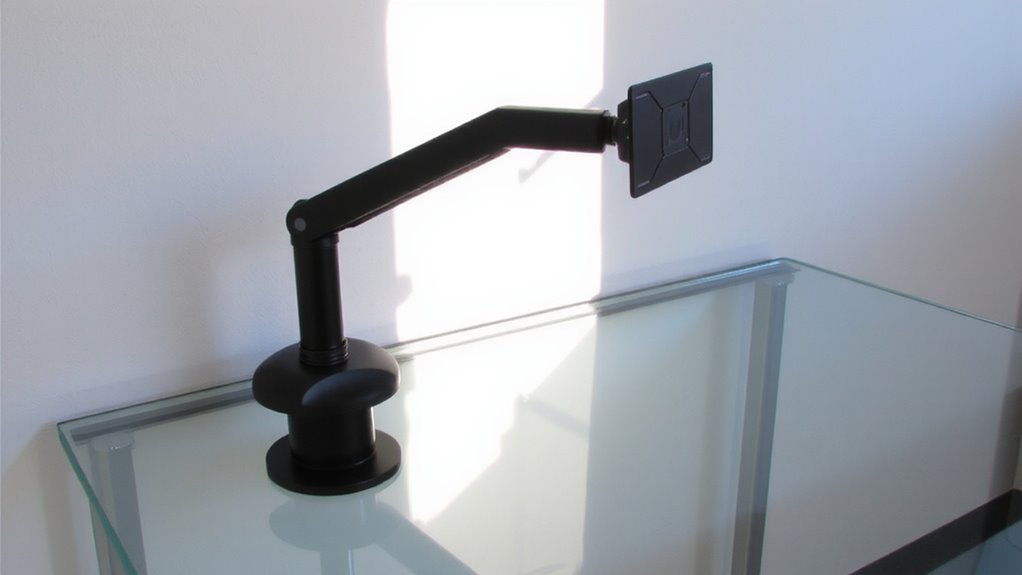
Some monitor arms work just fine on glass-top desks, but not all are built for it-so check your model before drilling or clamping down. Your arm must support glass mounting through proper material compatibility and balanced weight distribution. Look for arms rated for glass edges 8–15mm thick, as thinner or thicker panes risk cracking. Clamp mechanisms designed for wood or metal may not grip glass securely, especially if the edge finish is polished or beveled. Weight distribution matters just as much-overloading the arm or mounting multiple heavy displays can create stress points. Even with a compatible clamp, exceeding the max load (usually 17–22 lbs) increases fracture risk. Always confirm specs in the manufacturer’s documentation, not third-party listings. Some brands, like Ergotron or AmazonBasics, explicitly test for glass use and offer warranties covering edge damage. Don’t assume adaptability; verify through real-world testing data and design intent.
Pick a Clamp With Protective Pads
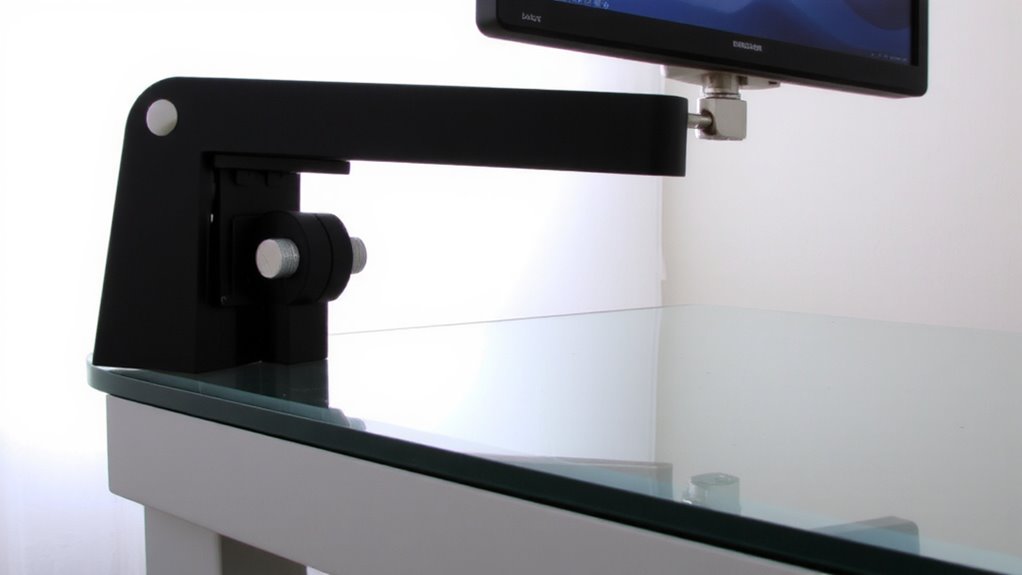
You need a clamp that protects your glass desk while holding firm, especially since glass edges are more vulnerable than wood or metal. Choose a clamp with thick, silicone-based protective pads-aim for at least 5mm pad thickness to evenly distribute pressure and prevent micro-scratches or stress fractures. The clamp material should be reinforced polycarbonate or aluminum, offering strength without excessive weight. Metal clamps with rubberized coatings can slip or corrode over time, so verify the finish is non-abrasive. While thicker pads add safety, they can reduce grip if overbuilt, so balance is key. Most reputable brands include warranty coverage for clamp defects, but not damage from improper installation. Test fit the clamp before full tightening, ensuring even pad contact. Even with ideal materials, edge shape and desk bevel matter-a perfect clamp setup can still fail on irregular edges.
Find the Strongest Desk Edge
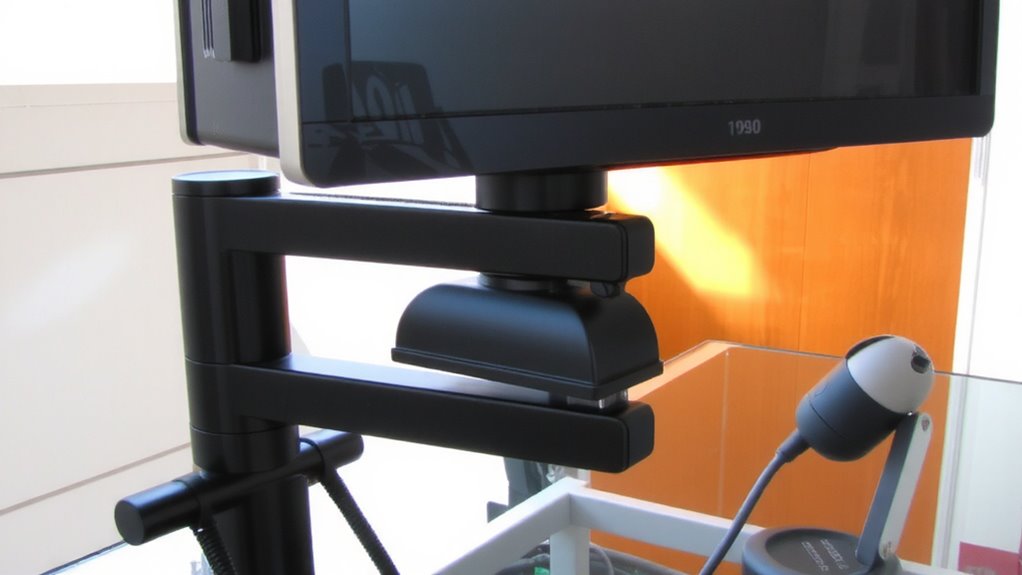
Your glass-top desk’s sturdiest edge is almost always the one farthest from the floor supports or undercarriage brackets, since that section typically spans the shortest distance and bears the least flex. You’ll want to check both the glass thickness and edge shape before mounting. Tempered glass at least 8mm thick handles clamped loads better, reducing crack risk. Rounded or beveled edges are trickier to clamp than flat, squared ones-most monitor arm clamps grip best on straight, vertical edges. Always inspect for chips or stress marks near the edge, as weak spots can spread under pressure. Even with a strong clamp, uneven weight from dual arms might exceed safe load limits. Test stability gently after installation. While positioning near support legs seems logical, that area often flexes more under torque. Stick to the outer edge, confirm specs match your setup, and you’ll boost both safety and function.
Tighten the Clamp Safely
Every clamp needs the right tension-not too loose, not too tight-to hold firm without risking damage. You want secure attachment, but overtightening risks cracking the glass or warping the clamp over time. Most quality monitor arms list torque limits in the manual, usually between 5–8 Nm-stick to that range. Use a torque wrench if possible, or tighten gradually with a hex key until the clamp grips solidly without squeezing excessively. Even pressure matters, so check that both sides of the clamp contact the desk evenly. Exceeding torque limits may void the warranty, and glass stress can show up hours later. It’s better to err on the side of slightly looser and recheck after a day. Small adjustments prevent long-term failure. Done right, the clamp stays safe, stable, and glass-crack-free.
Test the Arm’s Stability (And Fix Wobble)
A properly tightened clamp sets the foundation, but stability isn’t confirmed until the arm faces real-world use. Gently nudge the arm at its farthest extension-any noticeable wobble means you need to check joint tightness. High-quality arms use internal springs or friction rings to boost vibration resistance, reducing shake when typing or adjusting screen position. If wobble persists, tighten tension screws incrementally; over-tightening risks damaging the mechanism and accelerating material fatigue over time. Look for models with metal joints and reinforced elbows-they handle daily adjustments better and resist loosening. Test stability weekly during initial use, as parts settle. Even sturdy arms may shift slightly after heavy use. Avoid plastic components; they offer poor long-term durability. A stable arm shouldn’t move under normal touch, but know that zero movement is unrealistic-glass desks flex slightly, affecting overall rigidity.
Inspect Monthly for Glass Stress Cracks
Periodically checking for stress cracks guarantees long-term safety and performance, especially since glass can develop hair ((163041:20250417)) line fractures over time due to uneven clamp pressure or minor impacts. You should inspect your glass desktop monthly-run your fingers along the clamp edges and look closely for spider-web patterns or clouding, which signal compromised glass durability. Early stress detection helps prevent sudden shattering, particularly on tempered glass, which fails catastrophically when weakened. Use a bright flashlight at an angle to reveal fine cracks invisible under normal light. If you spot any damage, stop using the arm immediately and assess whether the manufacturer’s warranty covers structural defects. While most high-quality arms distribute pressure well, no mount eliminates risk entirely on glass surfaces. Regular checks aren’t excessive-they’re essential maintenance, not paranoia. Skip them, and you’re gambling with both equipment and safety.
On a final note
You can mount a monitor arm on a glass-top desk securely if you use the right clamp and follow the steps. Choose one with wide, rubber-padded jaws to spread pressure and prevent cracking. Always clamp onto the thickest, most stable edge-ideally 1/2-inch or more-and tighten just until snug. Test for wobble; even small shifts can stress the glass. Check monthly for hairline cracks near the clamp. While this setup works, it’s riskier than wood or metal desks, so weigh stability against your workspace needs.