Using a Height-Adjustable Monitor Stand for Ergonomic Consistency
You should use a height-adjustable monitor stand to keep your screen top at or slightly below eye level, reducing neck strain and supporting neutral posture. Look for a stand with 6–18 inches of lift, stable gas-spring or scissor mechanisms, and a weight capacity that matches your setup. Make sure it clamps securely to your desk and manages cables well. Small misalignments matter-fine-tune the height for both sitting and standing. Getting this right makes a noticeable difference over time. There’s more to optimizing your workspace the right way.
Notable Insights
- Position the top of the screen at or slightly below eye level to maintain neutral neck posture.
- Use a height-adjustable stand with at least 6 inches of lift for precise ergonomic alignment.
- Ensure the stand supports your monitor’s weight and fits your desk thickness for stability.
- Maintain cable management to preserve smooth adjustability and reduce workspace clutter.
- Adjust the stand height seamlessly during sit-stand transitions to keep consistent eye-level alignment.
Why Poor Monitor Height Ruins Your Posture
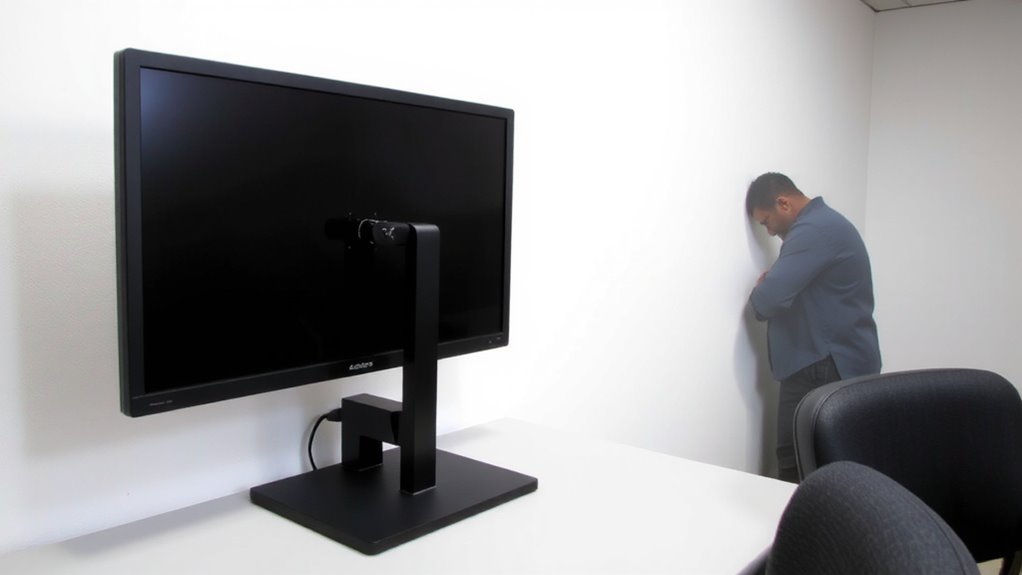
Neck strain, shoulder tension, and lower back pain-common complaints among desk workers-often trace back to a simple but overlooked culprit: monitor height. When your screen sits too low, you’re forced to look down, bending your neck forward and triggering neck strain over time. This forward head posture increases spinal load, cascading into upper back pain and even poor lumbar alignment. Poor monitor height also encourages slouching, which compromises core engagement and worsens back pain. You might not notice it at first, but hours add up, and small misalignments lead to chronic discomfort. While fixing this seems straightforward, many desks don’t allow ideal screen positioning without modification. Solutions like adjustable arms or risers help, but stability and range vary. Some models wobble under heavier displays, and not all fit bulkier monitors. Always check weight limits and clamp compatibility before buying. For long-term comfort, consider investing in one of the best monitor stands for your desk setup.
How to Set Eye-Level Height With a Monitor Stand
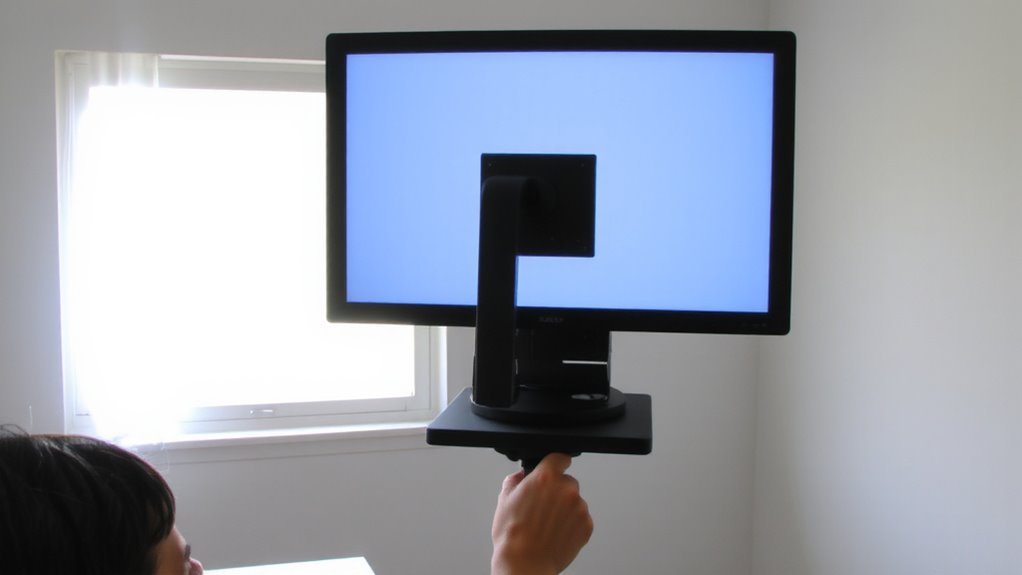
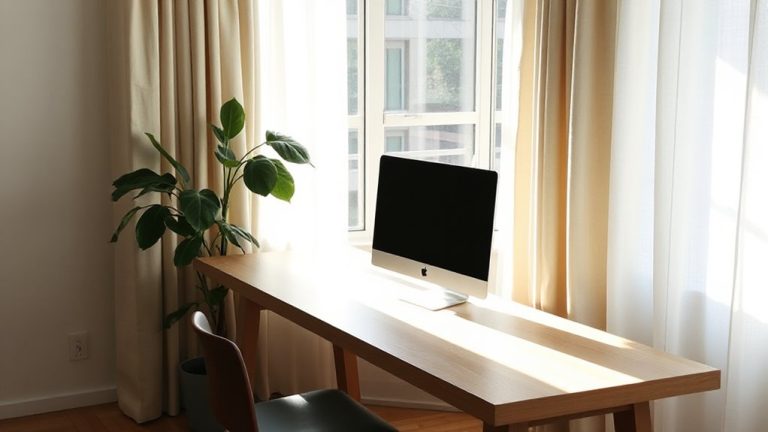
You’ll want your eyes to land naturally on the top third of the screen when sitting upright, and a height-adjustable monitor stand makes that alignment possible without hunching or craning. Proper monitor alignment reduces neck strain and supports long-term visual comfort. Adjust the stand so the top of the screen is at or slightly below eye level-usually 20 to 30 inches above your desk, depending on your seated posture. Use the stand’s vertical range to fine-tune; most quality models offer at least 6 inches of lift. Avoid overextending arms or tilting the screen upward, as that disrupts viewing angle and can cause glare. For dual monitors, align the primary screen centrally to maintain symmetry. Keep in mind: even the best stand won’t fix poor chair height or slouching. Test adjustments over a full workday to assess true comfort. Adding best acoustic panels for home office can further enhance your workspace by reducing echo and improving sound clarity.
Choose the Right Height-Adjustable Stand for Your Desk
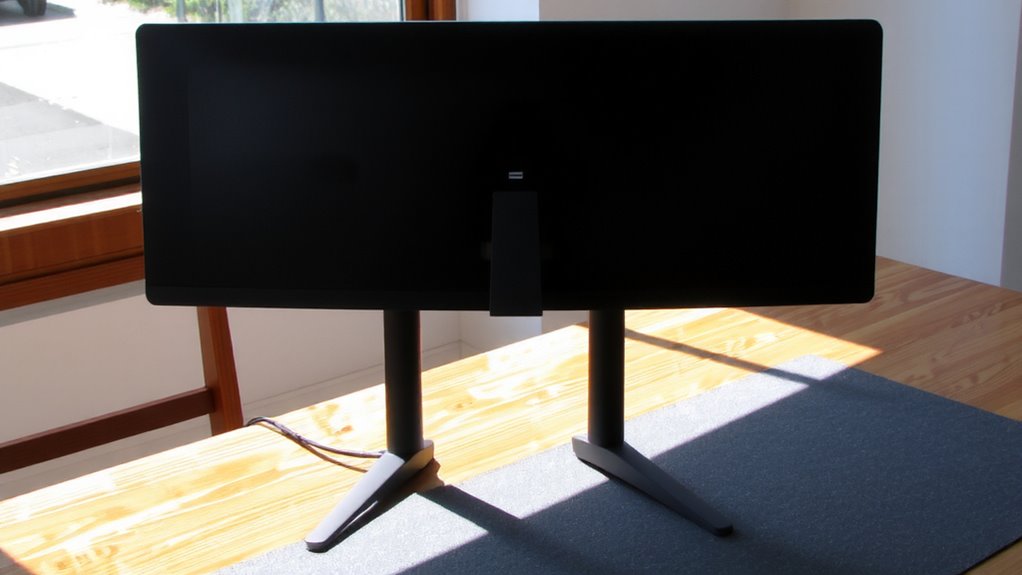
So, how do you pick a height-adjustable monitor stand that actually fits your workspace? Prioritize build quality and compatibility with your desk setup. Stand stability is essential-wobble undermines focus and ergonomics. Look for weighted bases or clamps that secure firmly to desk edges. Cable management isn’t just tidy; it reduces clutter and improves workflow. Many top-rated options include features found in the best monitor risers, such as dual-tier designs for maximizing desk space and organizing peripherals.
| Feature | Why It Matters | What to Look For |
|---|---|---|
| Lift Range (inches) | Guarantees proper eye-level alignment | 6–18 inches for most users |
| Weight Capacity (lbs) | Matches your monitor size | Up to 20 lbs for dual-screen setups |
| Clamp Thickness | Fits your desk securely | 0.6–3.1 inches for universal fit |
| Base Design | Affects stand stability | Wide base or grommet mount options |
| Cable Channels | Simplifies cable management | Built-in grooves or clips |
Check warranty (3+ years is ideal) and user reviews for long-term reliability.
Switch Seamlessly Between Sitting and Standing
While alternating between sitting and standing throughout the day can reduce fatigue and improve posture, your monitor stand must support smooth shifts without requiring constant readjustment. A well-designed height-adjustable stand enables an effortless sit stand shift, letting you maintain eye-level alignment with your screen in both positions. Look for models with gas-spring or scissor-lift mechanisms-they offer reliable ergonomic flexibility and hold steady without wobbling. Most quality stands adjust 6 to 18 inches vertically, accommodating desk heights from 28 to 48 inches. Verify your setup allows the top of the screen to stay at or slightly below eye level when standing. Keep in mind: if the stand lacks range or stability, you’ll sacrifice posture benefits. Some units include cable management or extra tiers for keyboards, but test stability with your monitor’s weight. Warranties of three years or more often signal durability.
Fix These 5 Common Monitor Stand Mistakes
Ever wonder why your monitor stand isn’t delivering the ergonomic payoff you expected? You’re not alone. First, poor monitor alignment strains your neck-top of the screen should be at or slightly below eye level. Second, ignoring cable management creates clutter and limits adjustability. Use built-in clips or sleeves to keep wires tidy. Third, overloading the stand beyond its weight limit risks instability-check specs before mounting. Fourth, skipping desk compatibility checks can lead to wobbling; make certain your desk thickness fits the clamp or grommet. Finally, forgetting micro-adjustments means missing precise positioning. These stands work, but only when set up right. Even high-end models fail with poor setup. Invest time in positioning and cable routing-you’ll gain comfort, not just convenience. But don’t expect magic: a stand improves posture only if used consistently and correctly.
On a final note
You should get a height-adjustable monitor stand-it’s one of the best upgrades for ergonomic consistency. It lets you align the top of your screen at eye level, reducing neck strain. Models with gas-spring arms offer smooth adjustments and hold monitors securely. Just make sure your desk supports the clamp or grommet mount. Weight limits and reach matter too-check specs. Cheap stands may wobble or wear out fast, so go for one with a solid warranty and durable build.