Fine-Tuning Standing Desk Surface Elevation for Forearm Parallelism
Set your desk height so your elbows bend at 90 degrees and your forearms run parallel to the floor, aligning the desk surface with your elbow crease-typically 38 to 42 inches for most adults. This reduces wrist strain and shoulder fatigue while promoting neutral posture. Use half-inch adjustments and a firm, thin desk pad if needed, but avoid instability. Floor level, footwear, and mat use also impact alignment. For long-term comfort, fine-tune based on daily use and body feedback.
Notable Insights
- Set desk height so elbows rest at 90 degrees with forearms parallel to the floor.
- Measure from floor to elbow crease with arms bent to find optimal desk height.
- Adjust desk in half-inch increments to achieve precise forearm alignment.
- Use a firm, thin desk pad under 3mm if minor surface elevation is needed.
- Verify alignment by ensuring wrists remain neutral and shoulders relaxed during use.
How to Measure Your Ideal Standing Desk Height
Your elbow height is the anchor for setting the right standing desk height-get it wrong, and you’re trading comfort for strain. Stand straight, arms bent 90 degrees: the desk surface should align with your elbows for ideal posture calibration. This alignment guarantees desk symmetry, balancing your shoulders, arms, and spine without overreaching or hunching. Use a tape measure from the floor to your elbow crease-most adults fall between 38 and 42 inches. Adjustable desks let you fine-tune within this range, but verify stability at your preferred height; some models wobble past 40 inches. Pair height settings with supportive footwear and an anti-fatigue mat for sustained posture. Remember, even the best desk won’t fix poor initial calibration-measure twice, adjust once. Small errors add up over hours, so prioritize precision over speed. Your body’s alignment depends on it. For optimal long-term use, consider investing in one of the best standing desks that combine height adjustability with ergonomic stability.
Why Level Forearms Prevent Wrist and Shoulder Pain
Level forearms aren’t just a posture goal-they’re a direct line to reducing strain on your wrists and shoulders during long standing work sessions. When your forearms stay level, your wrists don’t bend upward or downward, which cuts the risk of nerve compression in the carpal tunnel. That means less tingling and fewer aches over time. It also keeps shoulder muscles from overworking, so you avoid muscle fatigue even after hours at your desk. With your elbows at 90 degrees and arms parallel to the floor, joint stress drops markedly. But it’s not foolproof-small deviations matter, and individual anatomy varies. A desk that’s slightly too high or low can undo these benefits fast. Make sure your setup matches your body precisely. No single height works universally, so double-check your posture regularly, especially if discomfort returns. Top models in the best standing desk converters adjust smoothly to help maintain this optimal forearm alignment.
How to Set Your Monitor and Keyboard After Desk Height Is Right
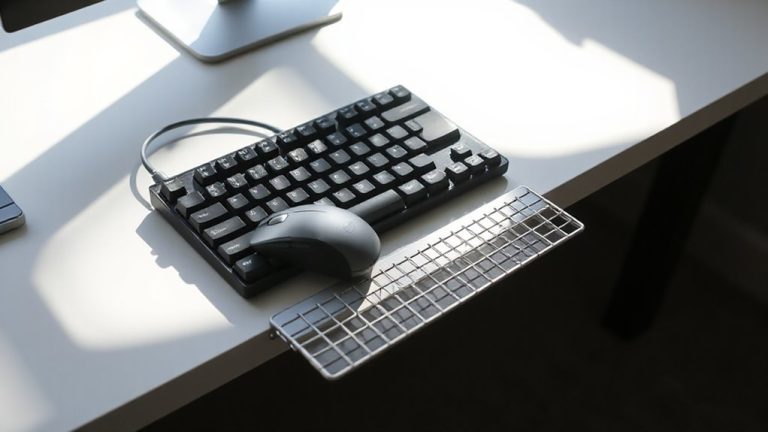
A properly adjusted desk height sets the foundation, but getting your monitor and keyboard positioned right is what truly locks in comfort and efficiency. Position your monitor about an arm’s length away-roughly 20 to 30 inches-to maintain ideal monitor distance, reducing eye strain and neck fatigue. The top of the screen should be at or slightly below eye level. For your keyboard, keep it directly in front of you and at a height allowing your elbows to stay near 90 degrees. Use a negative keyboard tilt-angled slightly downward toward the front-to support neutral wrist posture. Avoid steep tilts unless you’ve tested them and noticed no discomfort. While some accessories claim to enhance ergonomics, most people only need stable positioning, not added complexity. Fine-tune placements through short sessions, then verify comfort over full workdays. For optimal adjustability and durability, consider models featured in the Top Desk Riser Picks.
5 Mistakes That Ruin Your Standing Desk Ergonomics
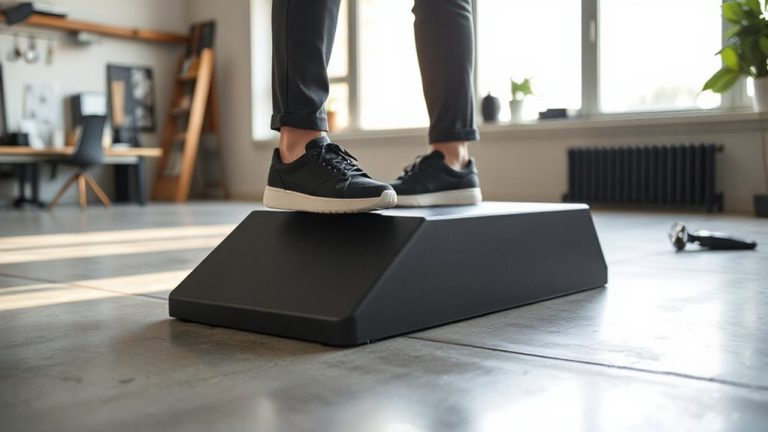
Skipping the fine-tuning step is the fastest way to undermine even the most expensive standing desk setup. You might have the right desk and accessories, but small oversights wreck your posture long-term. Standing on uneven flooring shifts your alignment, forcing imbalances that lead to fatigue. Wearing improper footwear-like flat soles or heels-compromises stability and spinal support. You need consistency: both underfoot and beneath your desk.
| Mistake | Consequence |
|---|---|
| Ignoring floor level | Desk wobbles, posture misaligns |
| Using improper footwear | Reduced arch support, leg strain |
| Skipping anti-fatigue mat | Increased discomfort over time |
| Overlooking desk calibration | Misaligned forearms, wrist pain |
| Standing on uneven flooring | Chronic asymmetry in shoulders/hips |
Always level your desk and wear supportive shoes to maintain ergonomic integrity.
3 Instant Fixes for Better Forearm Alignment
How do you know if your forearms are properly aligned at a standing desk? Your elbows should be bent at 90 degrees, with forearms level to the floor and wrists straight while typing. If not, small adjustments can help immediately. Try raising or lowering your desk in half-inch increments until alignment improves. Desk pads add minimal height but can shift wrist angles slightly-choose thin, firm ones under 3mm to avoid instability. Stand on anti fatigue mats to encourage subtle movement, which helps maintain posture and reduces lower-body fatigue that indirectly affects arm position. While these mats don’t fix desk height, they support overall ergonomic alignment. Remember, these are temporary tweaks-long-term solutions require precise desk motor calibration. Don’t rely solely on accessories; verify alignment at multiple points during your workday to account for posture shifts.
On a final note
You’ll want your desk height just right-forearms parallel to the floor when typing-to avoid wrist or shoulder strain. Set it so elbows bend at 90 degrees, then adjust your monitor to eye level. Remember, even a perfect setup fails if you stand too long; switch positions often. Most sit-stand desks handle this well, but check warranty length and stability specs before buying.