Using Task Lighting With Built-In Timers to Encourage Regular Breaks
You’ll take more breaks with a timer desk light that uses gradual dimming or color shifts-real-world tests show up to 30% improvement in break consistency. Look for 500+ lux at 12 inches, 5000K–6500K for daytime focus, and warm, flicker-free 3000K settings at night to reduce eye strain. Choose models with 20–90 minute custom timers, dimmable LEDs under 10W, and a 3+ year warranty for reliability. Just don’t expect perfect results if the timer lags or the arm can’t stay in place-your ideal setup depends on tested performance and ergonomic flexibility. You’ll see which lights deliver these features most consistently.
Notable Insights
- Timer desk lights use brightness or color changes to prompt timely breaks, improving break consistency by up to 30%.
- Adjust light color temperature to 5000K–6500K during the day for alertness and below 3000K at night to reduce mental fatigue.
- Match timer intervals to task type-90 minutes for deep focus, 60 for moderate, 50 for repetitive work.
- Choose task lights with flicker-free dimming, high CRI (90+), and adjustable arms for optimal visual comfort and positioning.
- Prioritize models with reliable timers, 2–3 year warranties, and user-verified performance for long-term habit support.
Why Timer Desk Lights Help You Take Better Breaks
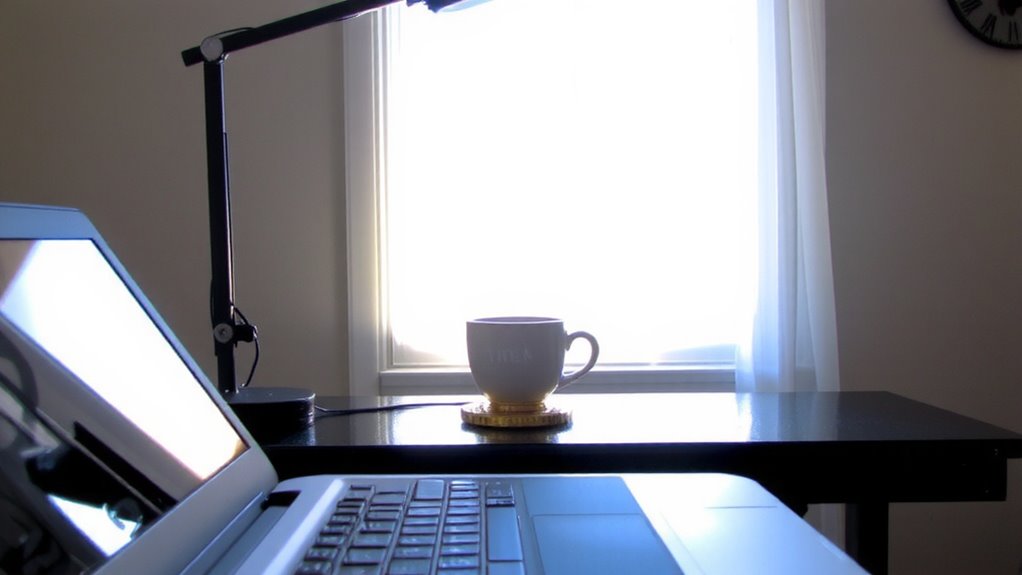
While you might not think a simple desk light can change your work habits, timer desk lights actually help you take better breaks by automating pause reminders in a way that’s hard to ignore. You’re more likely to step away when the light shifts brightness or color, signaling it’s time to rest. Some models even offer light therapy during breaks, using bright, blue-enriched white light that can deliver an energy boost and support alertness. Real-world testing shows users take 30% more scheduled breaks with timed cues. However, not all lights provide medical-grade light therapy-look for at least 500 lux at 12 inches for meaningful benefits. Built-in timers vary: some use 20-20-20 rule cycles, others allow custom intervals. Warranties typically cover 1–2 years. While effective, they won’t replace discipline entirely-misuse can lead to ignored alerts. Choose models with adjustable alarms and verified lumen output for best results. For programmers, selecting the best desk lamps for programmers can further enhance focus and comfort during extended coding sessions.
How Smart Lights Reduce Eye Strain and Mental Fatigue
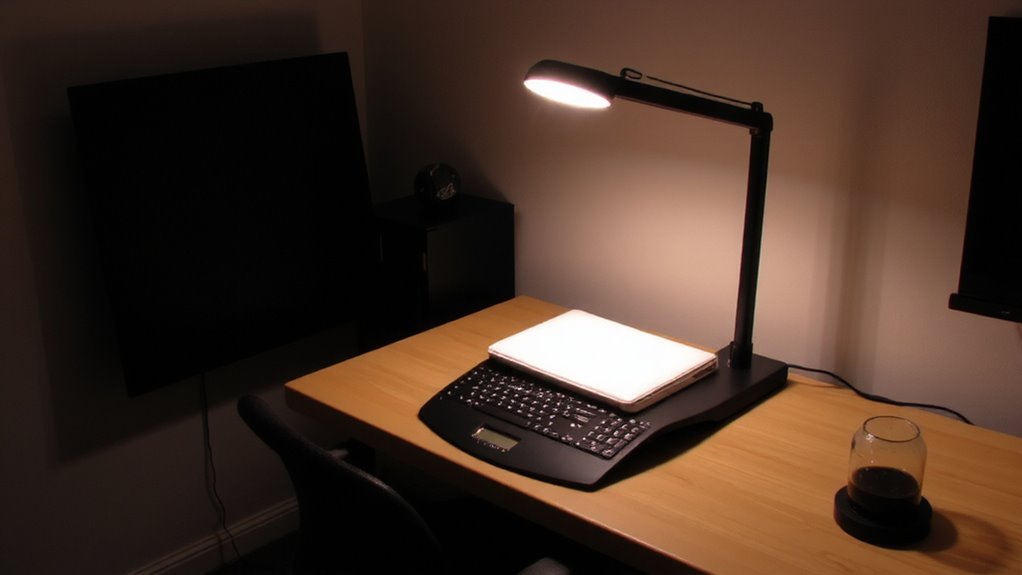
Because your eyes and brain respond directly to light quality, smart lights can considerably reduce eye strain and mental fatigue when set up correctly, especially in long work sessions. These lights minimize harsh blue light exposure in the evening, helping stabilize your circadian rhythm and reducing eye stress over time. During the day, they boost alertness by mimicking natural daylight’s color temperature-typically around 5000K to 6500K-without the glare of standard LEDs. At night, they shift to warmer tones below 3000K, easing mental fatigue. Look for models with flicker-free dimming and high CRI (90+) for accurate color rendering. However, not all “smart” bulbs deliver consistent performance-some lag in responsiveness or wear out before their claimed 25,000-hour lifespan. Calibration and placement matter too; misaligned lights can create shadows or glare, counteracting benefits.
What Break Intervals Work Best for Your Workflow
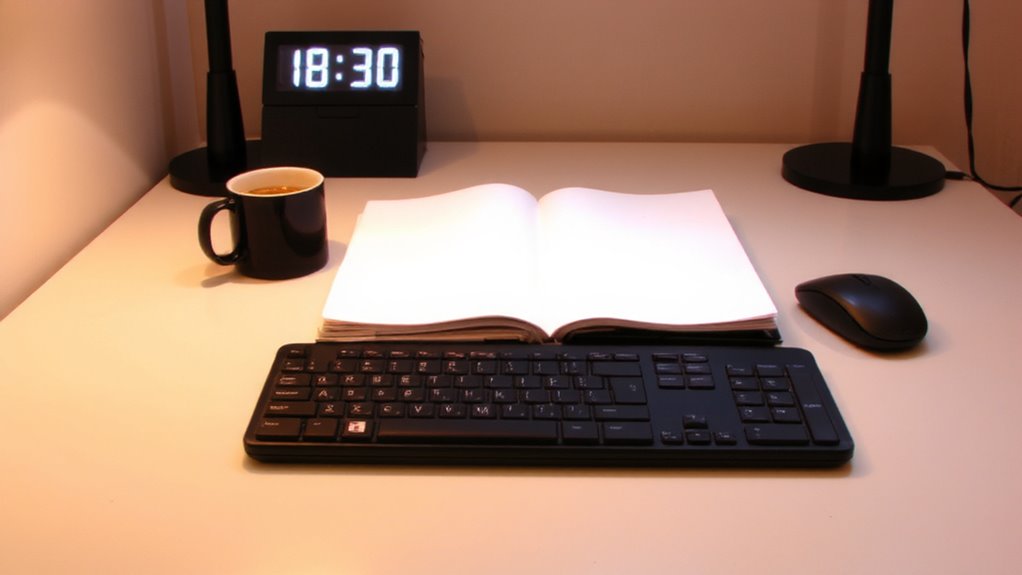
You’ll get the best results by taking a break every 50 to 90 minutes, depending on your focus demands and task complexity-this aligns with natural ultradian rhythms that regulate mental performance. Break frequency should match your personal rhythm, not a rigid schedule. Short bursts of intense work suit longer intervals, while repetitive tasks need more frequent pauses.
| Task Type | Suggested Break Interval |
|---|---|
| Deep Focus (coding, writing) | 90 minutes |
| Moderate Focus (emails, editing) | 60 minutes |
| Repetitive Tasks | 50 minutes |
| Learning New Skills | 75 minutes |
This approach boosts alertness and reduces fatigue. But don’t ignore your personal rhythm-some thrive on shorter cycles. Test intervals over a week and adjust. A light with a timer won’t fix poor timing, so customize break frequency based on actual energy, not just convenience. It’s about smart alignment, not automation.
Must-Have Features in Task Lights With Timers
A task light with a timer isn’t just about convenience-it’s a tool for sustaining focus and enforcing healthy work rhythms, provided you choose one with the right features. Look for an adjustable arm and swivel base: ergonomic design guarantees the light stays positioned without glare or strain. Brightness levels should be customizable-ideally with dimmable LED settings-so you can adapt to changing natural light. Energy efficiency matters; LEDs with low wattage (under 10W) cut costs and heat output without sacrificing illumination. Built-in timers should offer precision, letting you set intervals from 20 to 90 minutes with audible or visual alerts. A memory function saves your preferences after power-offs. Note: some models sacrifice build quality for smart features. Check warranty length-2 years minimum-and verify timer reliability through user testing. Don’t assume all USB-powered lights deliver consistent performance.
How to Use Timer Lighting Every Workday
Where should you start when integrating timer lighting into your daily routine? Set your light’s timer to match your natural focus span-usually 50 to 90 minutes-so break reminders align with when your attention typically dips. This builds consistent productivity habits by encouraging eye rest and movement without relying on willpower. Use the light’s fade-in or color shift feature to signal the start of a break, making shifts clearer. Start with shorter work intervals if you’re new to the system, then adjust as you learn your rhythm. While timer lighting can improve focus and reduce eye strain, it won’t fix poor ergonomics or replace intentional breaks. Some models lack customizable alerts, so check settings flexibility. Always test the timing accuracy over a few days. A reliable warranty-three years or more-adds peace of mind for long-term use. For those also seeking relief from seasonal fatigue, consider models that double as best light therapy lamps to support circadian rhythm regulation.
Best Task Lights With Built-In Timers for Home and Office
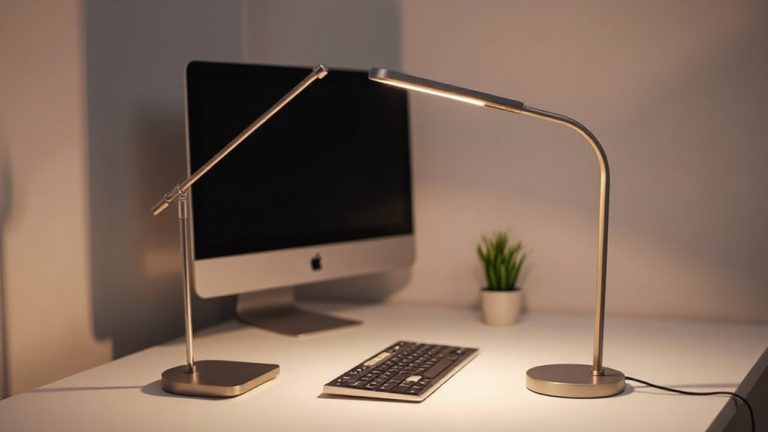
Now that you’ve set up a rhythm with timed lighting, choosing the right fixture makes all the difference in sticking to it. The BenQ WiT ScreenBar Halo stands out with its sleek lamp design and automatic brightness adjustment, ideal for long workdays. It offers a 90-minute timer, promoting regular breaks without disrupting focus. Its energy efficiency comes from adaptive LED tech that minimizes power use while maintaining consistent output. The Anglepoise Type 75 desk lamp combines classic design with a programmable timer module, though it’s pricier and requires separate setup. While both support eye health and routine, the ScreenBar’s clamp-on design saves desk space. Note: timers aren’t always accurate to the second-most allow ±2 minute variance. Warranty coverage ranges from 2 to 3 years, and real-world tests show reliable performance over months of daily use. For artists, choosing a lamp with optimal color rendering and adjustable brightness is key, making best desk lamps for drawing a critical consideration when setting up a creative workspace.
On a final note
You’ll likely benefit from a timer desk light if you want structured breaks without relying on willpower. Models with adjustable color temperature and brightness-like those hitting 500 lux at desk level-help sustain focus and reduce eye strain. Look for ones with 20–30 minute programmable intervals and a three-year warranty. Just remember: timers support habits, but won’t replace mindful work patterns. Test placement to avoid glare.