Spinal Anatomy 101: A Complete Guide to Promoting Healthy Spine Health in a Sedentary Workplace Environment
Your spine thrives on movement, not hours of sitting. The lumbar curve flattens when you slouch, straining discs and fatiguing muscles. Use an ergonomic chair with adjustable lumbar support to maintain neutral alignment, but don’t rely on it alone-overly plush seats can reduce support. Pair it with a height-adjustable desk, switching every 30–60 minutes to ease spinal load. Add seated marches, chest opens, and short walks hourly. Even the best gear won’t fix inactivity, so consistent motion is key-and there’s more to get right.
Notable Insights
- The spine’s natural curves absorb shock; maintaining them reduces strain during prolonged sitting.
- Prolonged sitting flattens the lumbar curve, increasing disc pressure and risk of injury.
- Ergonomic chairs with adjustable lumbar support help sustain neutral spine alignment.
- Alternating sitting with standing every 30–60 minutes reduces spinal load and improves circulation.
- Simple hourly movements like stretches and short walks counteract sedentary spine stress.
Why Desk Jobs Damage Your Spine (And What to Do)
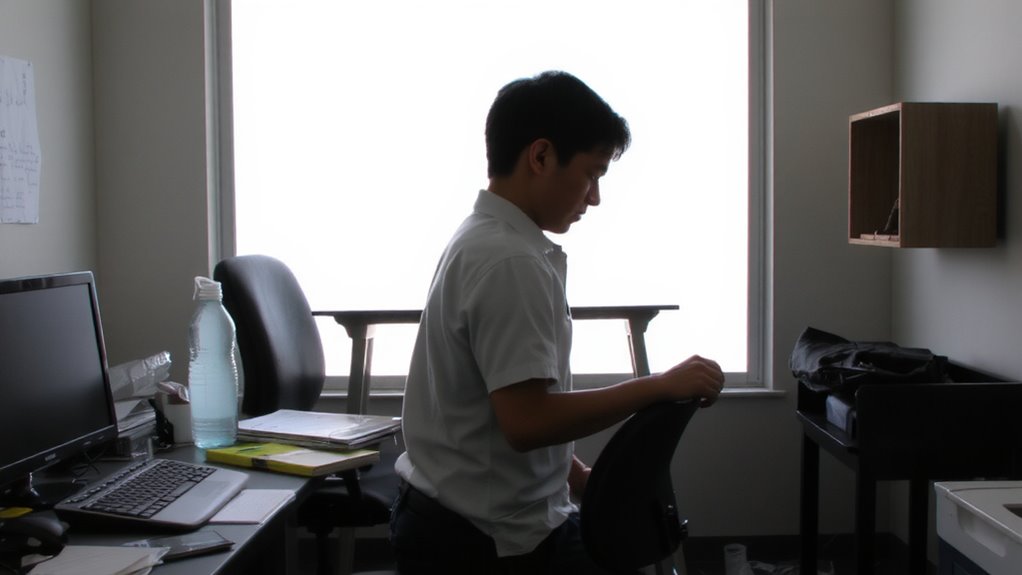
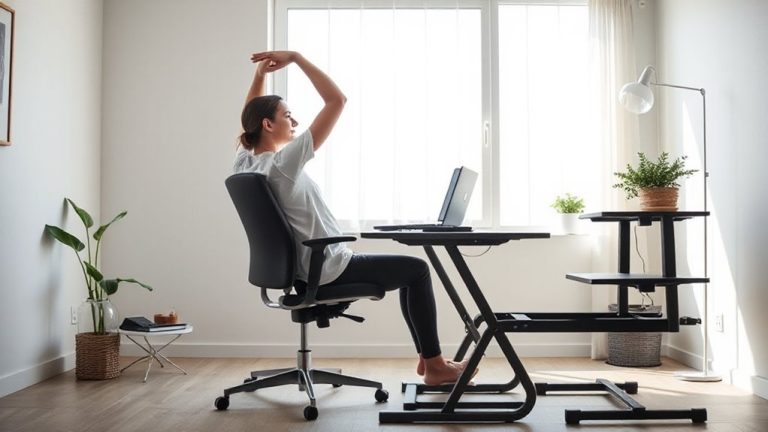
Ever wonder why sitting at a desk all day leaves your back aching by mid-afternoon? Because prolonged sitting stresses your spine, especially if your setup lacks proper support. You don’t need expensive gear, but ergonomic chairs can help-if they fit your body. Look for adjustable lumbar support, seat depth, and armrests; models like the Steelcase Leap or Herman Miller Aeron have tested well over years of use. Still, even the best chair won’t fix inactivity. That’s where standing desks come in. Alternating between sitting and standing every 30–60 minutes reduces spinal load. Height adjustability matters-electric models offer smoother shifts than manual ones. But standing too long can cause foot or knee issues. The real fix? Movement. Use ergonomic chairs and standing desks as tools, not cures, and pair them with frequent posture shifts and short walks for lasting relief. A buying guide can help you choose the right chair based on your body type and work habits.
3 Spinal Structures Every Office Worker Should Know
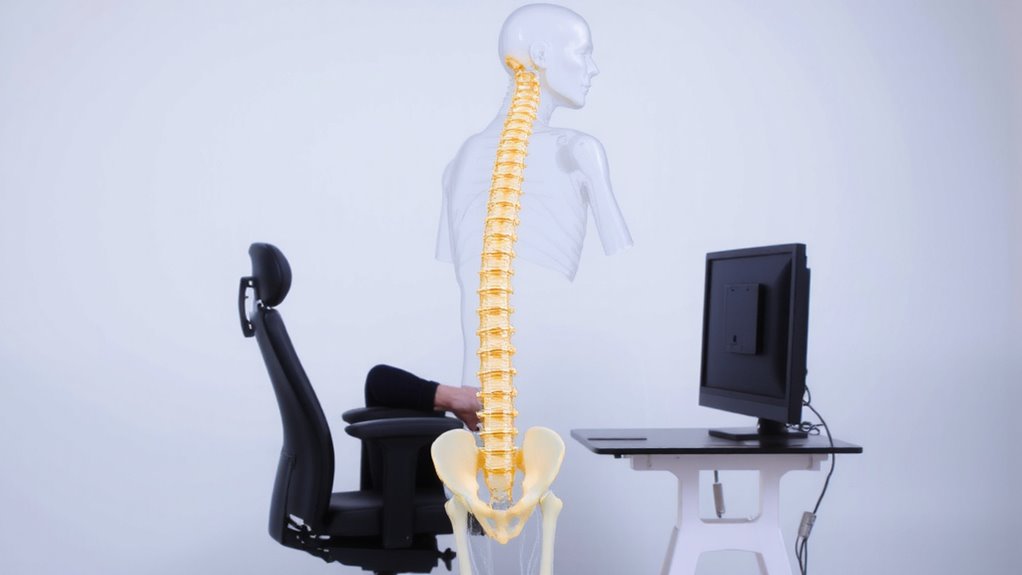
| Structure | Function | Daily Impact |
|---|---|---|
| Spinal Curvature | Maintains balance, absorbs shock | Flattens when sitting, causing strain |
| Intervertebral Discs | Cushion vertebrae, allow flexibility | Compress under poor posture |
| Vertebrae | Protect spinal cord, anchor muscles | Misalignment risks nerve pressure |
Support isn’t about fancy chairs-it’s consistency in alignment. A sit-stand routine supported by an adjustable desk can help maintain natural spinal alignment throughout the workday.
How Slouching Hurts Your Spine Over Time
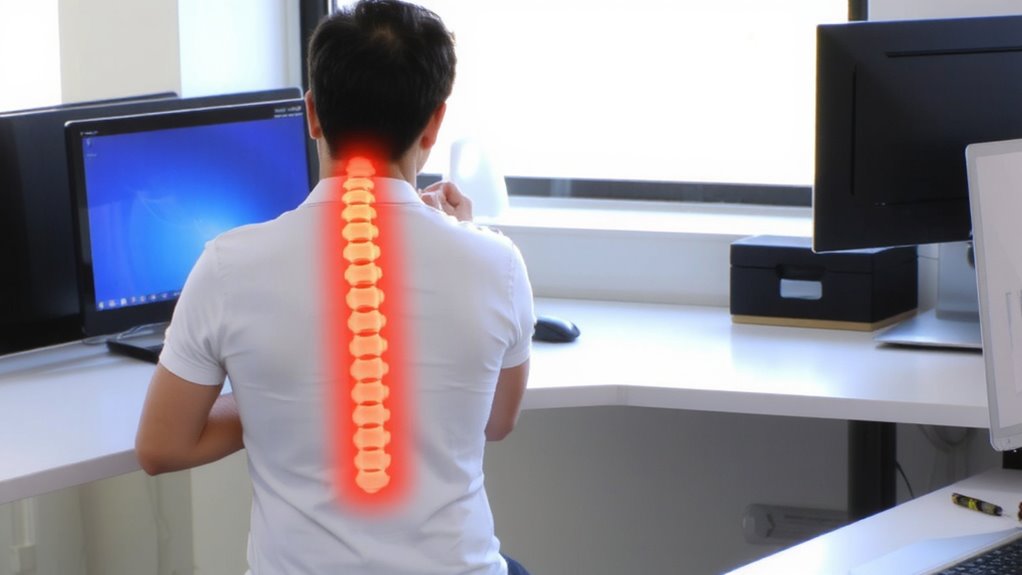
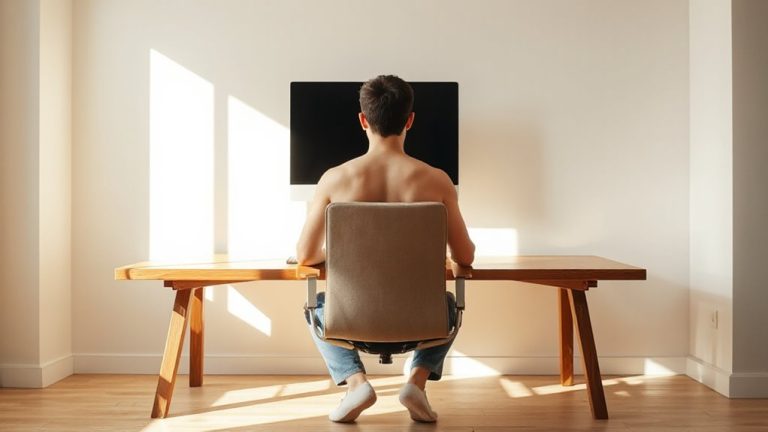
While you might not feel it right away, slouching gradually distorts your spine’s natural curves, especially in the lumbar region, where the inward curve starts to flatten under constant forward pressure. This misalignment increases disc compression, as the gel-like cushions between vertebrae bear uneven loads, raising the risk of bulging or herniation over time. That pressure can lead to nerve irritation, causing tingling, numbness, or pain radiating into your legs. You’re also straining spinal ligaments and fatiguing postural muscles, which weakens support over weeks and months. While ergonomic chairs may help maintain alignment, they aren’t a guaranteed fix-many offer lumbar support that’s poorly positioned or non-adjustable. You’ll need to actively engage your core and check posture regularly. Real change comes from consistent body awareness, not just gear. Even with premium equipment, poor habits will still compromise your spine. A clutter-free workspace can further support good posture by encouraging organized, intentional movements throughout the day, and using a top desk organizer helps maintain an efficient and distraction-free environment.
5 Easy Workspace Fixes for a Healthier Spine
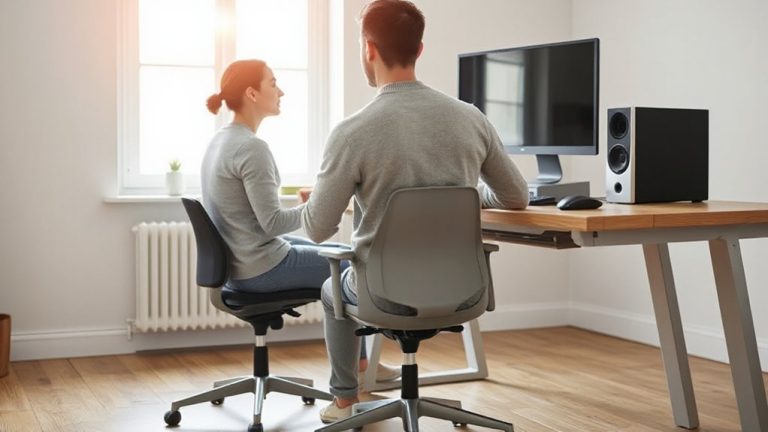
A well-designed workspace doesn’t have to cost thousands or require a full rehaul-small, strategic changes can make a real difference for your spine. Swapping to ergonomic chairs with lumbar support and adjustable armrests helps maintain neutral spine alignment. Still, not all models deliver-check for seat depth adjustments and a five-year warranty to avoid premature wear. Pairing seated time with standing breaks every 30–60 minutes reduces disc pressure, but overdoing it can strain legs or feet without anti-fatigue mats. Below are key fixes and what to watch for:
| Fix | Consideration |
|---|---|
| Ergonomic chairs | Guarantee adjustable lumbar; avoid overly plush seats |
| Monitor at eye level | Use books or risers; prevents neck flexion |
| Standing breaks | Limit to 15 mins/hour; prevent leg fatigue |
| Footwear during stand | Wear supportive shoes; barefoot strains arches |
5 Daily Moves to Support Spine Health (No Gym Needed)
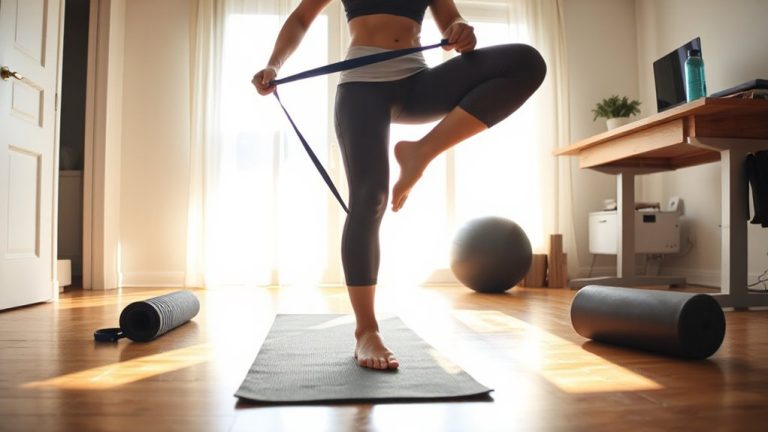
How often do you move without even leaving your desk? Not enough, probably. Incorporating simple daily moves can support spine alignment and reduce strain, even in tight workspaces. Stand during calls, do seated marches, or stretch your chest and hips every hour-these posture breaks only take 60 seconds but reset your body’s positioning. Walking around briefly every hour helps circulation and eases spinal pressure. You don’t need equipment or space; just consistent, intentional motion. While standing desks or lumbar rolls may help some, they’re not required-real change comes from movement frequency, not gear. There’s minimal risk if done gently, though overextending or sudden motions could cause strain. Built-in reminders or phone alarms improve adherence. Results vary, but most notice less stiffness and improved focus within days. No long-term commitments or devices needed-just conscious, regular posture breaks to sustain spine health over time.
On a final note
You’ll likely see real spine health gains by adjusting your workspace and moving daily-just don’t expect a miracle from gear alone. A supportive chair with lumbar contouring, a sit-stand desk set at elbow height, and feet-flat posture help, but only if you change positions every 30 minutes. Stretching beats expensive gadgets; consistency beats intensity. Even the best cushion or monitor arm won’t fix long sedentary stretches-movement does.