Carpal Tunnel Syndrome Causes and Prevention Strategies for Remote Workers in the Digital Age
You’re likely straining your wrists without realizing it-slouching, bending your wrists while typing, or using a laptop too low all raise your risk of carpal tunnel. Fix this by keeping wrists neutral, elbows at 90 degrees, and your monitor at eye level, even with simple fixes like stacked books. An ergonomic mouse and split keyboard help, but only if you take real breaks every 30 minutes. Stretching and proper posture matter more than expensive gear. Small changes now prevent long-term damage-there’s more to get right if you’re serious about staying pain-free.
Notable Insights
- Poor posture and repetitive strain from prolonged typing increase pressure on the median nerve, raising carpal tunnel risk.
- Maintaining a neutral wrist position and proper keyboard height helps prevent nerve compression during remote work.
- Position monitors at eye level and an arm’s length away to reduce neck strain and promote ergonomic alignment.
- Use ergonomic peripherals like split keyboards and vertical mice to support natural hand and wrist positioning.
- Take micro-breaks every 30 minutes and perform wrist and finger stretches to reduce strain and improve circulation.
What Triggers Carpal Tunnel in Remote Workers
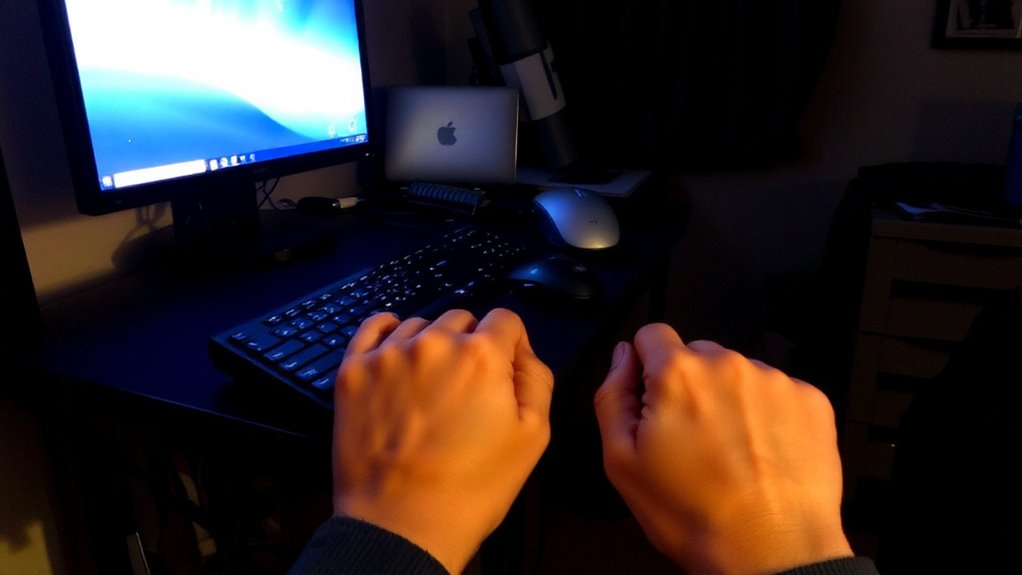
What makes remote work so comfortable for your schedule might also be putting you at risk for carpal tunnel syndrome? Poor posture and repetitive strain are two key triggers when you work from home. Sitting slumped on the couch or hunched over a laptop forces your wrists into awkward angles, increasing pressure on the median nerve. Typing for hours without breaks multiplies repetitive strain, especially if your keyboard isn’t positioned at forearm height. Even ergonomic chairs or standing desks won’t fix the problem if you ignore movement and alignment. Short-term relief might come from wrist supports, but they’re not long-term fixes without behavioral changes. Real prevention means adjusting your setup to align wrists and forearms naturally, taking frequent breaks, and staying mindful of body position-even if it means sacrificing some comfort. You don’t need expensive gear, just consistency and awareness. Using a carpal tunnel mouse pad can help maintain proper wrist alignment during extended computer use.
Fix These Home Office Habits to Prevent Wrist Pain
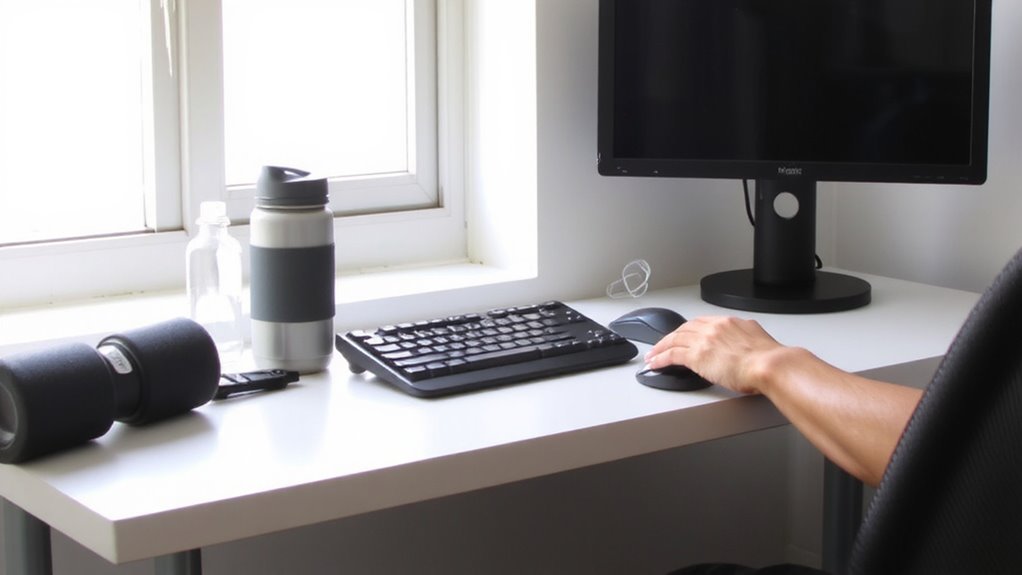
You can reduce wrist pain by adjusting everyday habits in your home office, even if your setup seems harmless at first glance. Poor wrist positioning and incorrect screen height are common culpits. Keeping your wrists neutral and your screen at eye level reduces strain markedly. Small tweaks, like raising your monitor with a stand or using a simple ream of paper under your keyboard, help maintain alignment over long hours. Choosing an ergonomic mouse designed for comfort and support can also make a significant difference-especially models recommended for best mice for carpal tunnel.
| Habit | Fix |
|---|---|
| Bending wrists while typing | Adjust chair or keyboard height for neutral wrist positioning |
| Looking down at screen | Set top of monitor at or just below eye level |
| Using laptop on couch | Elevate with books or stand to correct screen height |
| Elbows flared out | Keep them close, at 90–100 degrees |
| Working without breaks | Take micro-breaks every 30 minutes |
Results vary by body type and desk size. Not every ergonomic product fits every space-measure first.
How Mouse and Keyboard Use Cause Carpal Tunnel
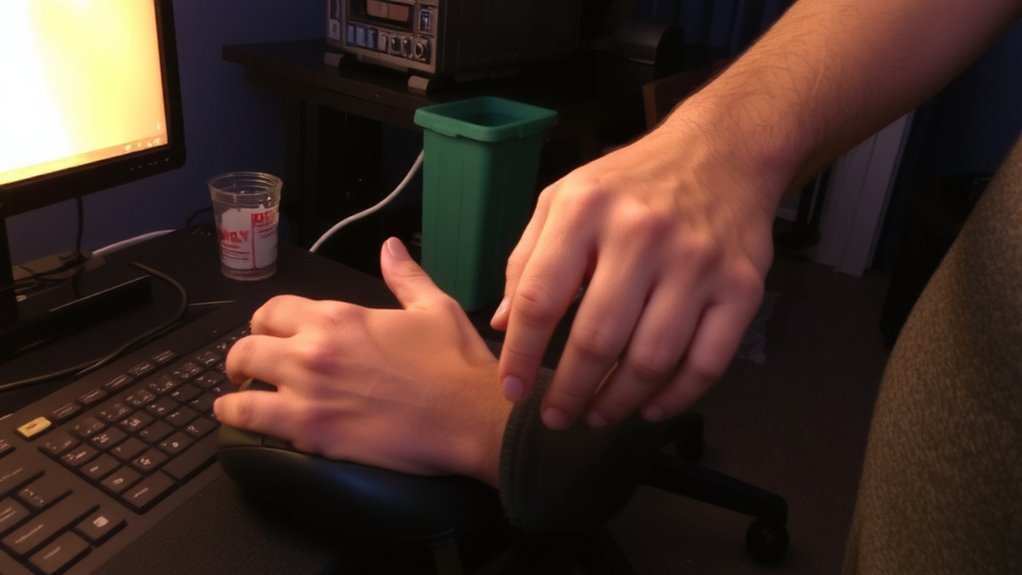
While keyboard and mouse use may seem harmless, repetitive motions and poor positioning during long typing sessions can contribute to carpal tunnel syndrome over time. You’re constantly engaging in repetitive motion-pressing keys and clicking the mouse-which strains tendons and compresses the median nerve. Over time, this can weaken grip strength, making everyday tasks harder. Holding a mouse too tightly or stretching to reach keys keeps muscles tense, increasing pressure in the wrist. Standard keyboards and mice often force your hands into non-neutral postures, worsening strain. Even if you type efficiently, prolonged use without rest magnifies risk. Adjusting habits helps, but design limitations in most mainstream peripherals mean comfort varies. There’s no guarantee ergonomic gear prevents injury, but reducing awkward angles and firm gripping may lower strain. Real-world testing shows mixed results, so effectiveness depends on your setup and physical response. Choosing the right peripheral, such as one of the best mice for carpal tunnel, can help maintain a neutral wrist position and reduce strain during extended use.
Design an Ergonomic Workspace That Prevents Injury
If you’re serious about preventing strain, setting up a truly ergonomic workspace means more than just buying a standing desk or an expensive chair-it requires precise adjustments based on your body and how you work. Start with chair height: your feet should rest flat, knees at 90 degrees, and thighs parallel to the floor. A poorly adjusted seat, even a high-end one, can cause lower back pressure over time. For monitor alignment, the top of the screen should be at or slightly below eye level, about an arm’s length away, to prevent neck flexion. Tilting your head down even 15 degrees for hours increases spinal load markedly. Use books or adjustable stands if needed-no need for premium mounts. Wired peripherals reduce lag, and a simple split keyboard can help maintain neutral wrist posture. Results vary, so test changes over a week. There’s no one-size-fits-all, but small tweaks in chair height and monitor alignment make a measurable difference.
5 Daily Habits to Stop Carpal Tunnel Before It Starts
Small changes to daily routines can reduce the risk of carpal tunnel syndrome even in long-term desk setups, building on an ergonomic foundation without relying solely on equipment upgrades. You should maintain proper posture-keep shoulders relaxed, feet flat, and wrists neutral-to minimize strain. Pair this with regular breaks every 30 to 60 minutes to reset your body and encourage circulation. Set a timer or use built-in device reminders to stand, move, and shake out tension. Avoid hunching forward or resting wrists on sharp edges, even briefly. These habits work best when consistently applied, not just when discomfort appears. While posture correctors or standing desks exist, they’re not required-awareness matters more. Over-relying on gear can distract from behavior, which is the real driver of prevention. Simple, repeated actions beat expensive fixes every time.
Essential Stretches for Remote Workers With Wrist Pain
How often do you pause during your workday to check in with your wrists? If you’re feeling discomfort, simple stretches can help-especially wrist rotation and finger flexion. Wrist rotation involves gently turning your hands in full circles, palm up to palm down, which boosts circulation and eases stiffness. Do 10 reps, twice hourly. Finger flexion helps too: close your fingers into a tight fist, then splay them wide, repeating 15 times per hand. These moves reduce strain from prolonged typing, whether you’re on a mechanical keyboard or a laptop. They’re no substitute for proper ergonomics, but they’re practical and take under a minute. Just don’t overstretch-stop if you feel sharp pain. Consistency matters more than intensity. Pair these with timed breaks and neutral wrist positioning. While not all gear fixes pain, consistent movement can make a measurable difference-especially when done before symptoms worsen.
When Numbness Means It’s Time to See a Doctor
When does that occasional numbness in your fingers shift from a minor annoyance to a real red flag? It’s time to see a doctor when numbness becomes frequent, especially if it wakes you up or lingers after resting. Don’t ignore hand weakness-struggling to grip your coffee or drop your phone more often could mean nerve damage is progressing. Carpal tunnel syndrome can worsen if untreated, possibly leading to permanent sensation loss or muscle deterioration. While ergonomic keyboards or wrist braces may help, they’re no substitute for medical evaluation when symptoms persist. A doctor can confirm nerve damage with tests like electromyography. Early intervention improves outcomes, often avoiding surgery. But remember, not all gear fixes underlying issues. If symptoms escalate, professional guidance beats DIY solutions every time-your nerves can’t wait.
On a final note
You can reduce carpal tunnel risk with smart habits and an ergonomic setup, but no fix is foolproof. Position your keyboard at elbow height, use a split design for neutral wrist alignment, and pair it with a vertical mouse to cut strain. Take breaks every 30 minutes to stretch. Even well-built gear won’t help if you skip posture checks-balance cost, comfort, and real-world use, since warranties rarely cover long-term misuse.