Carpal Tunnel Syndrome Relief Techniques: Understanding the Causes and Finding Relief Through Proper Ergonomic Setup in Your Home Office Environment
You can prevent carpal tunnel with smart ergonomic tweaks. Keep wrists neutral using an adjustable keyboard tray and position your chair so elbows bend at 90 degrees. Choose a vertical mouse that fits your hand, avoid over-relying on gel pads, and keep frequently used items close. Pair this setup with hourly hand stretches-like wrist flexor holds and finger spreads-to reduce nerve pressure. While gear helps, consistency matters most; real relief comes from combining proper alignment with movement habits. There’s more to optimizing your workspace for long-term comfort.
Notable Insights
- Maintain neutral wrist alignment by adjusting your keyboard height to keep forearms parallel to the floor.
- Use an adjustable chair and desk setup to achieve a 90-degree elbow bend and reduce nerve pressure.
- Position your mouse close and within easy reach to minimize awkward wrist and arm movements.
- Take hourly hand and wrist stretches to relieve tension and improve circulation.
- Choose ergonomic peripherals like vertical mice and low-force keyboards to reduce strain during use.
Fix Your Workspace to Prevent Carpal Tunnel
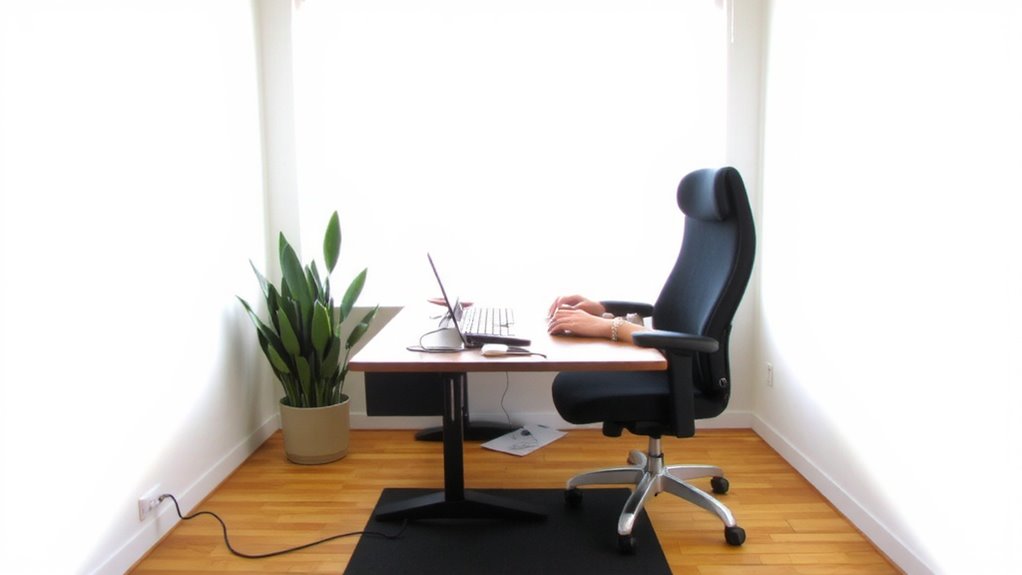
You’ll want to set up your workspace properly to reduce the risk of carpal tunnel syndrome, and adjusting your desk and gear is the most effective place to start-though not every ergonomic product delivers on its promises. A well-designed setup includes proper wrist support and smart desk organization to keep strain low without slowing workflow. Use a keyboard tray or adjustable desk to align your wrists straight, not bent upward. Gel wrist pads can help during long typing sessions, but avoid relying on them to fix poor posture. Keep frequently used items-like your mouse, notebook, and pen-within easy reach to minimize stretching. A clutter-free surface improves focus and reduces awkward movements. While some products boast medical benefits, few are clinically proven. Choose gear with solid build quality, good return policies, and real user testing over flashy claims. Small, consistent changes in desk organization and wrist support make a bigger long-term difference than expensive, unproven gadgets. For effective relief, consider using an ergonomic mouse specifically designed to reduce strain, such as one of the best mice for carpal tunnel.
Position Your Keyboard to Relieve Wrist Pressure
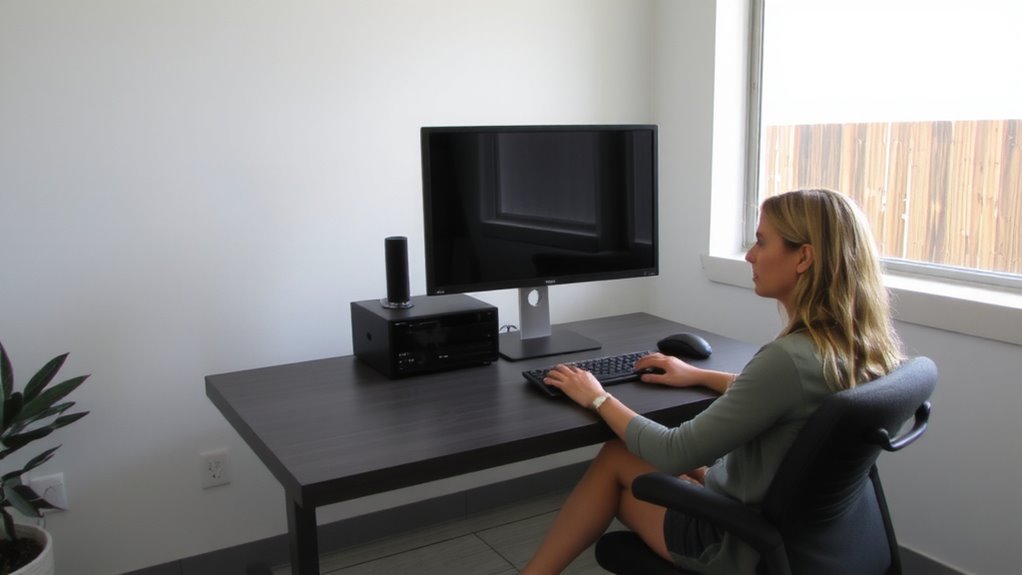
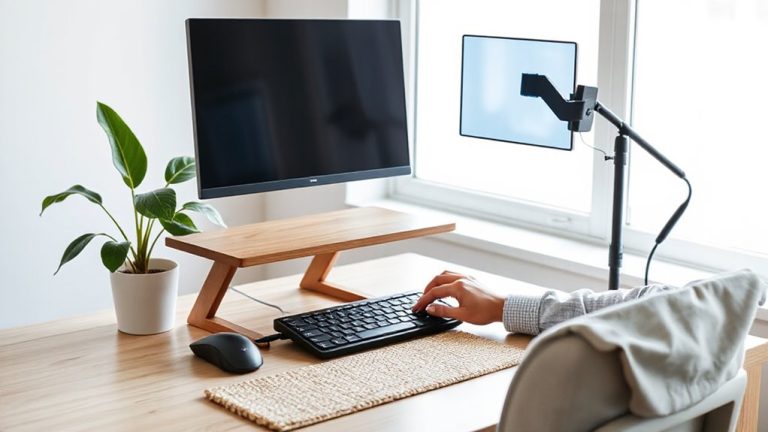
Keyboard placement plays a key role in reducing wrist strain, building on the ergonomic foundation of your workspace setup. You’ll want your keyboard alignment to keep wrists straight and level with your forearms, ideally at a height where elbows bend at 90 degrees. This neutral position minimizes pressure on the median nerve. Use an adjustable tray or a low-profile stand to achieve proper height-avoid placing the keyboard on your lap or too high on a desk. While some opt for wrist support like gel pads, they’re only helpful during rests, not typing, as leaning on them mid-task can increase pressure. Mechanical keyboards with light actuation can reduce finger strain, but they don’t fix poor alignment. Always test setups over several days. Results vary, and no accessory replaces correct posture. A well-chosen keyboard tray can make a significant difference in maintaining optimal ergonomics.
Set Up Your Mouse for Comfort and Safety
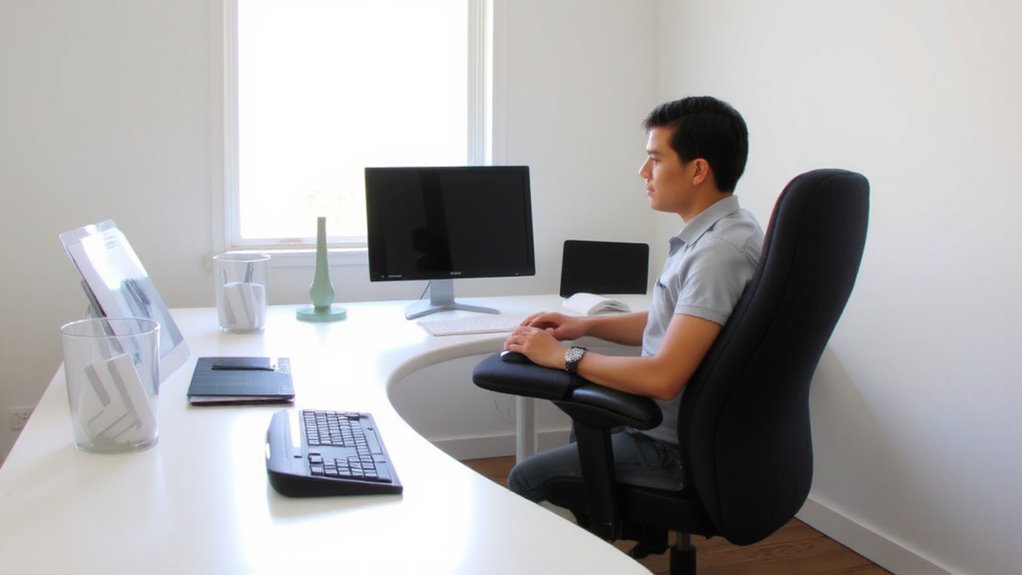
Ergonomics don’t stop at the keyboard-your mouse setup matters just as much for preventing wrist strain and supporting long-term hand health. Choose a mouse that fits your hand size to maintain a relaxed mouse grip, reducing pressure on tendons. Vertical or contoured designs can help keep your wrist in a neutral position, but they may take time to adjust to-some users report initial fatigue. Button tension should be smooth but not too stiff; overly resistant buttons can strain finger joints during frequent clicks. Look for mice with adjustable DPI settings so you can minimize hand movement. Test the scroll wheel resistance too-it should move without excessive force. Avoid cheap models with inconsistent click feedback. While premium options often last longer and offer better ergonomics, they’re not always necessary. A mid-range mouse with solid build quality and a two-year warranty often strikes the best balance between cost and comfort. For those seeking targeted relief, consider exploring the best mice for carpal tunnel to find models specifically designed to reduce strain.
Adjust Chair Height to Keep Wrists Neutral
When your chair height is properly adjusted, your wrists naturally stay in a neutral, healthy position while typing-reducing strain on nerves and tendons over time. Correct wrist alignment helps prevent carpal tunnel symptoms, especially during long work sessions. Your forearms should rest parallel to the floor, with elbows bent at about 90 degrees, so your hands can meet the keyboard without bending upward or downward. This position improves forearm support and minimizes pressure on the median nerve. You’ll need an adjustable chair that lets you fine-tune the height precisely-most ergonomic models offer 3 to 5 inches of range. Make sure your feet also stay flat on the floor or a footrest. If your chair lacks smooth adjustment, you might need frequent readjustments, which can be inconvenient. Accurate setup matters more than price-some budget chairs perform well, while high-end models don’t always deliver better wrist alignment.
Stretch Your Hands and Wrists Every Hour
You’ve set up your chair to keep your wrists neutral, but even perfect posture won’t eliminate all risk if you go hours without moving. Stretching every hour helps maintain circulation and reduces median nerve pressure. Simple hand stretches-like finger extensions, thumb touches, and wrist flexor stretches-take less than a minute but make a measurable difference. Pair them with wrist exercises such as gentle ulnar and radial deviations to improve joint mobility. These micro-movements disrupt prolonged static positioning, a known contributor to carpal irritation. Studies show workers who perform routine hand stretches report less discomfort over time. However, stretching too aggressively can cause strain, so keep motions slow and controlled. Set a timer or use app reminders to build consistency. While ergonomic gear supports alignment, it doesn’t replace the need for regular movement. Combine proper equipment use with proactive hand stretches and wrist exercises for best results in your daily routine.
Know When to See a Doctor for Carpal Tunnel
What happens when stretches and ergonomic tweaks aren’t enough? You might need a medical evaluation, especially if your symptom severity is worsening. Persistent numbness, hand weakness, or pain that disrupts sleep means it’s time to see a doctor.
| Symptom | At-Home Relief Working? | Doctor Visit Needed? |
|---|---|---|
| Occasional tingling | Yes | No |
| Numbness after typing | Sometimes | Monitor closely |
| Weak grip strength | No | Yes |
| Night pain disrupting sleep | No | Immediately |
Don’t wait if symptoms last over two weeks despite adjustments. A doctor can confirm carpal tunnel syndrome and discuss treatments like splinting, therapy, or surgery. Early action prevents lasting nerve damage. While ergonomic gear helps, it’s not a fix-all. Medical guidance matches care to your symptom severity.
On a final note
You can reduce carpal tunnel risk by fixing your home office setup, but results depend on consistency and correct adjustments. Position your keyboard so wrists stay flat and elbows bent at 90 degrees. Use a mouse that fits your hand size to avoid strain. Adjust chair height until arms hang naturally. Stretch hourly. These steps help, but if numbness or pain persists, see a doctor-ergonomics aren’t a substitute for medical care.