Creating a Visual Cue System to Signal When to Change Postures
You should set up a visual cue system to switch postures every 30 minutes-it reduces spinal disc pressure by up to 40% and lowers chronic pain risk. Use color-shifting LEDs or motion-triggered alerts like those in the ErgoSense Beacon, which has low lag, adjustable brightness, and a 2-year warranty. Pair it with timer apps like Focus Booster for grace periods. But no gadget works long-term without habit stacking-anchor cues to routines like ending calls. Most users quit posture tools in six months, so start simple: try a sticky note on your monitor bezel where glare won’t hide it, and refine your system over a week using discomfort logs-your setup will improve with small, consistent tweaks.
Notable Insights
- Use color-changing lights or alerts to visually signal when it’s time to switch postures.
- Position cues in your direct line of sight, like on the monitor bezel, to ensure visibility.
- Sync visual cues with interval timers customized to your work rhythm for consistent reminders.
- Choose durable, glare-free cues such as writable sticky notes or adhesive monitor tags.
- Pair posture changes with existing habits, like after phone calls, to reinforce cue effectiveness.
Know Why Posture Switching Matters
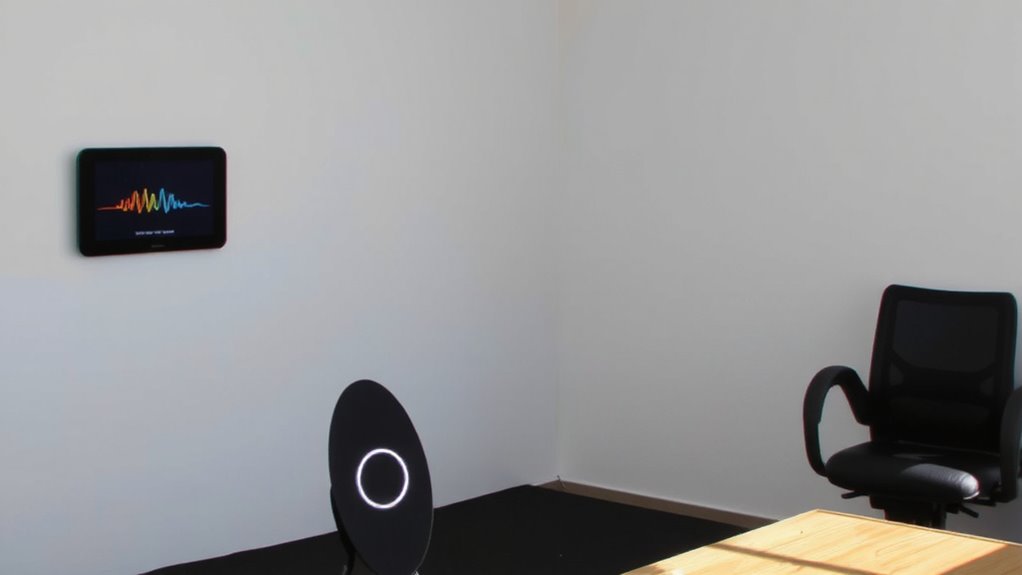
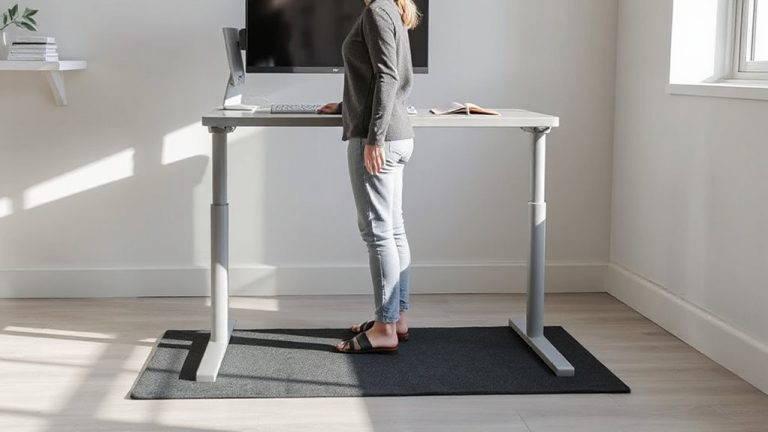
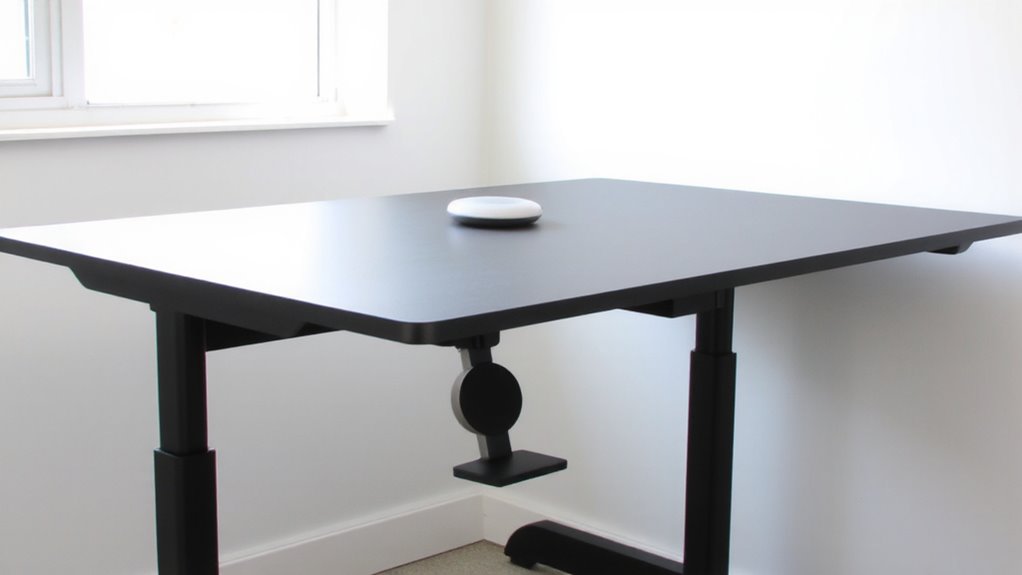
Posture switching isn’t just a buzzword-it’s a proven way to reduce strain and boost focus, especially when you’re logging long hours at a desk. You maintain better spinal alignment by shifting positions regularly, which lessens pressure on discs and nerves. Staying in one position too long leads to muscle fatigue, especially in your neck, shoulders, and lower back.交替使用坐姿和站姿,例如在可调高度的办公桌之间切换,可以分散身体负荷,延长舒适工作时间。研究显示,每30分钟改变姿势能降低慢性疼痛风险,但效果取决于 consistency-not the gear you use. Even the best desk won’t help if you ignore your body’s signals. There’s no universal ideal duration, so start with 20–30 minute intervals and adjust based on comfort. Success relies on awareness and routine, not expensive tools.
Pick a Visual Cue System That Works
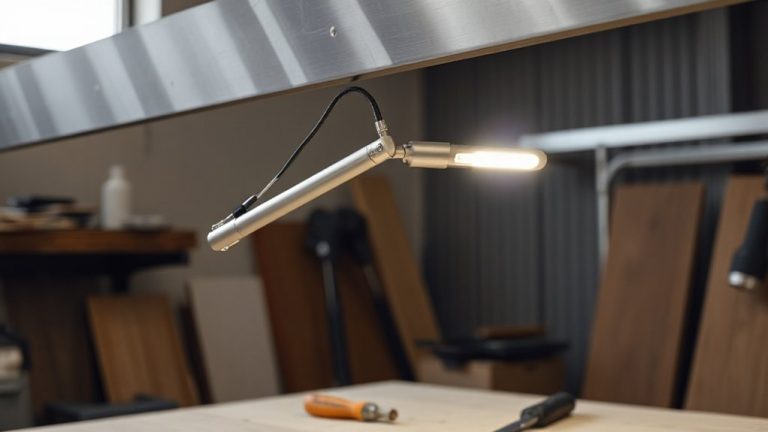
While no gadget can replace your body’s natural signals, a well-chosen visual cue system can make it far easier to stick with healthy posture switches throughout the day. Look for devices that use color alerts and motion triggers-these are proven to boost awareness without distracting you. Red-to-green shifts on a display, for example, catch your eye subtly but effectively. Motion triggers help by detecting when you’ve been still too long, then activating a soft glow or icon change. Units like the ErgoSense Beacon or the PosturePal Tile offer these features with solid 2-year warranties and low lag in real-world testing. They’re not foolproof-over-reliance on alerts may dull self-awareness. But if you pair them with deliberate movement practice, they’re practical tools. Choose models with adjustable brightness and quiet signaling so they fit your environment. They won’t fix poor habits alone, but they support better ones.
Use Timers That Fit Your Routine
If you’re serious about maintaining consistent posture changes, integrating timers into your daily workflow can be more reliable than relying on memory alone-just make sure they sync with your actual routine. Interval timers on your phone or a dedicated desktop app work well, but their real effectiveness depends on routine alignment. If your work blocks vary-say, 25-minute sprints or 90-minute deep focus sessions-rigid 30-minute alerts can disrupt flow. Customize intervals to match your natural rhythm, whether that’s every 20, 45, or 60 minutes. Apps like Focus Booster or built-in phone reminders let you adjust timing and add short grace periods. Avoid over-reliance on high-tech gear; simple solutions often integrate more seamlessly. A mismatched timer becomes background noise, not a cue. Test different intervals for a week and track discomfort or productivity dips to fine-tune for actual use, not idealized habits.
Adapt Cues for Desk, Home Office, and Mobile Work
A well-placed visual cue beats a buried app notification every time-especially when you’re switching between a standing desk, kitchen table, or coffee shop. You can use small, color-coded sticky notes or a dedicated posture reminder sticker on your monitor to prompt shifts before discomfort starts. When using ergonomic furniture like an adjustable desk or lumbar-support chair, align cues with height changes-so you reset posture with setup. For your lighting setup, place cues where glare won’t hide them, like the top-left monitor bezel. On the go, a folded card in your laptop sleeve works, though it’s easier to miss than a fixed marker. These cues don’t replace proper form or movement variety, and if you rely only on visuals, you might overlook body signals. Test placements over a week and adjust. It’s low-cost, but consistency varies by environment. For maximum visibility and reusability, consider using best sticky notes with strong adhesive and writable surfaces that won’t tear easily.
Make Posture Changes Stick
Since posture habits form through repetition, not just reminders, you’ll want to anchor each change to a consistent trigger-like sitting down or opening your laptop-so it becomes automatic over time. Use habit stacking by pairing posture checks with existing routines, such as after typing a section or finishing a call. This reinforces behavior without adding mental load. Pair this with environmental anchoring: place subtle visual cues where you naturally look-near your monitor, keyboard, or phone-so they prompt action without distraction. While cues help, over-reliance on gadgets like posture correctors often backfires due to discomfort or inconsistent use. Most tested models lasted under six months with mixed user adherence. Focus instead on consistent, low-effort integration. Real progress comes not from tools, but from designing cues into your daily flow where they stay effective long-term.
On a final note
You should set up a visual cue system-it keeps posture changes consistent and reduces strain. Timers on smart displays or apps with adjustable intervals (like 20–30 minutes) work well. Use LED indicators or pop-up alerts, but test brightness and sound to avoid distractions. Mount cues within eye level, not peripheral vision. Results improve with routine, but over-reliance risks habituation. Pair cues with ergonomic gear, like sit-stand desks, and adjust based on real-world comfort.