Using Monitor Risers to Improve Ergonomics and Free Up Desk Surface
A monitor riser can cut neck strain and boost posture by lifting your screen 4 to 6 inches so the top aligns with your eyes, ideally reducing musculoskeletal discomfort by up to 40%. Look for stable materials like reinforced aluminum or tempered glass with a weight capacity matching your monitor-most support 15 to 30 lbs. Models with cable management and non-slip pads add function without clutter. Avoid overly tall designs that push the screen too high. Adjustable or compact risers help fine-tune fit and save space. Getting the right height and build guarantees long-term comfort and desk efficiency. You’ll find the best options suit both your setup and daily workflow.
Notable Insights
- Elevating your monitor to eye level reduces neck strain and promotes a neutral spine posture.
- A riser with cable management minimizes clutter, creating a cleaner, more efficient workspace.
- Proper screen height-top at or slightly below eye level-enhances visual comfort and focus.
- Compact, minimalist risers save desk space while securely supporting monitors up to 30 lbs.
- Adjustable or sit-stand compatible risers allow precise height tuning for personalized ergonomics.
Why Poor Monitor Height Hurts Your Health
Ever wonder why your neck aches after a few hours at the desk? Poor monitor height is likely the culprit. When your screen sits too low, you tilt your head down, causing constant neck strain. Over time, that tension builds, leading to chronic discomfort. You’re also more prone to eye fatigue, since your gaze isn’t aligned with the top third of the display-your eyes work harder adjusting between screen and documents. Studies show incorrect screen positioning contributes to both musculoskeletal issues and reduced visual comfort, especially during long work sessions. Even slight misalignments matter: just 6 inches below eye level increases strain substantially. While raising your monitor helps, simply stacking books isn’t stable or precise. Risers with height adjustability-from 4 to 12 inches-offer measurable improvement, but you’ll still need proper alignment: the top of the screen should be at or slightly below eye level for best results. For optimal ergonomics, consider a monitor riser with adjustable height to ensure consistent, personalized positioning throughout the workday.
How a Monitor Riser Fixes Your Posture
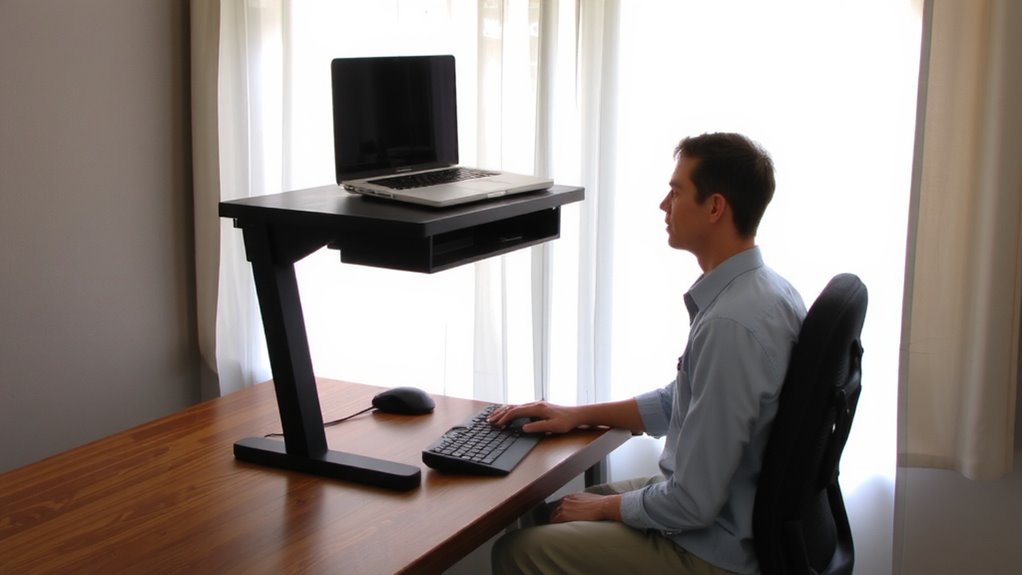
Why does something as simple as a monitor riser make such a noticeable difference in how you sit at your desk? Because it aligns your screen with your natural eye level, reducing neck strain and encouraging a neutral spine. You’ll sit up straighter without even thinking-your body just responds to the improved setup. A well-built riser supports your monitor securely, but always check weight capacity; most handle 15–30 lbs, so verify before buying. Models with built-in cable management reduce clutter and make adjustments easier, though not all offer deep routing paths. While risers clearly improve posture, effectiveness depends on your chair, desk height, and monitor size. They’re not a one-size-fits-all fix. Overly tall risers can push screens too high, so measure your setup first. Choose sturdy materials like steel or solid wood, and consider warranty length-better models offer at least a 1-year guarantee. For overall top performance and design, consider checking out the Top Desk Riser Picks to find a model that matches your ergonomic goals.
Find Your Perfect Riser Height
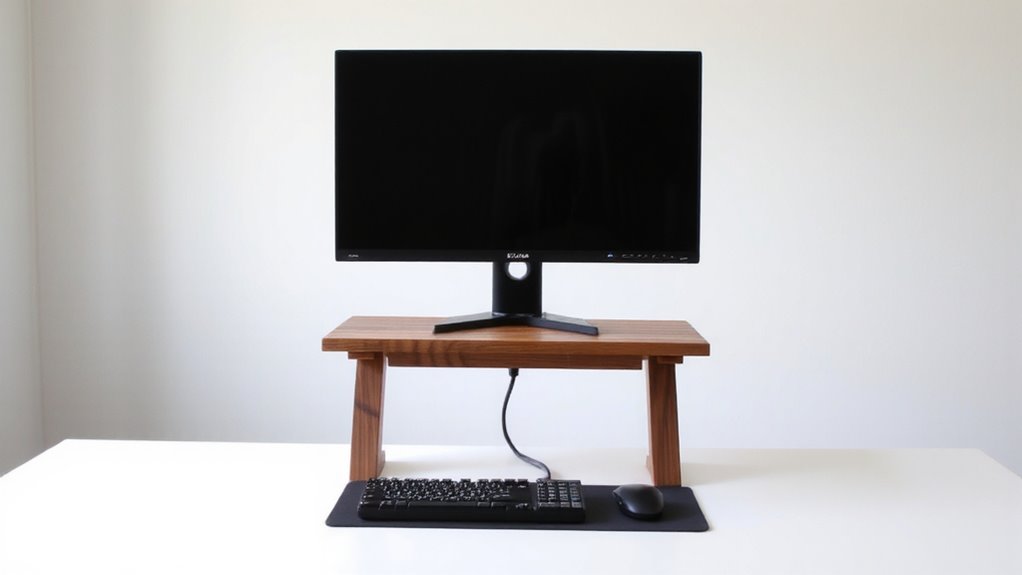
How high should your monitor actually be? For proper ergonomic alignment, the top of your screen should be at or slightly below eye level. This keeps your neck neutral, reducing strain during long work sessions. Sit in your usual chair and measure from your eyes to your desk-most people need a riser between 4 to 6 inches, but it varies by setup. Getting this right improves visual comfort by minimizing glare and preventing you from tilting your head up or down. Adjustable risers let you fine-tune the height, which is helpful if you switch between sitting and standing. Keep in mind that monitor size and desk height affect your ideal riser. A height that’s too high or too low can undo the benefits, so test adjustments over a full workday. Accuracy matters-don’t guess. Use a tape measure and prioritize long-term comfort over aesthetics.
Monitor Risers That Save Desk Space
You’ve dialed in the right height for your monitor to support a neutral neck position, but that ideal setup shouldn’t come at the cost of crowding your workspace. Many risers maximize space with a minimalist design that’s sleek but sturdy, often using materials like aluminum or tempered glass to occupy less surface area than traditional stands. Look for models with built-in cable management-grommets or hidden channels-so cords don’t clutter your desk or get in the way. These features help keep your surface clean and functional. However, ultra-slim designs may limit device compatibility or wobble under heavier monitors. Always check weight limits, typically 15–30 lbs, and base dimensions to match your monitor size. Sturdy legs or non-slip pads can prevent shifting. While space-saving, compact risers sometimes offer less under-riser storage. Choose carefully based on your monitor and daily workflow.
Storage-Friendly Risers for a Cleaner Desk
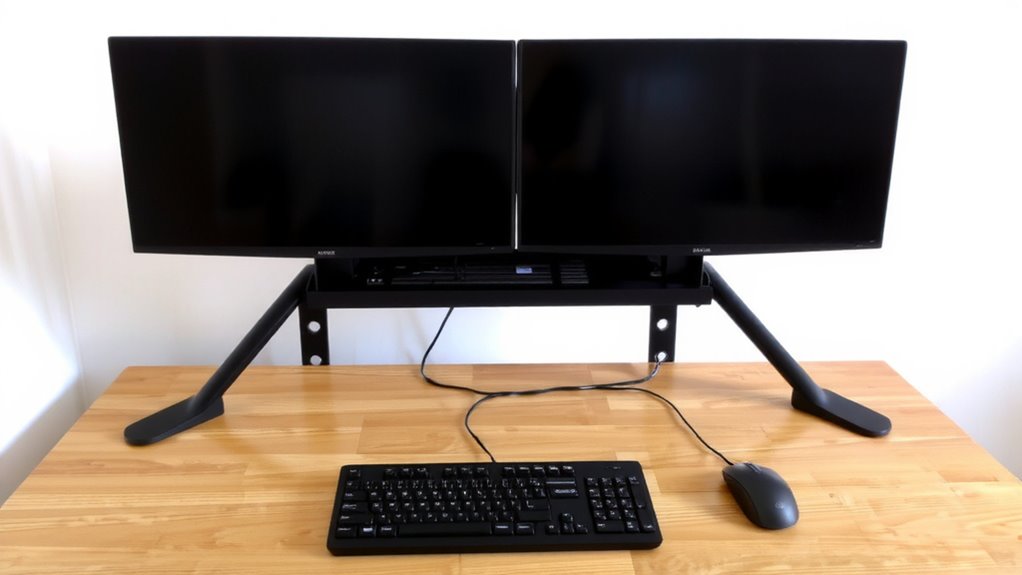
A good number of storage-friendly monitor risers deliver on both clean aesthetics and practical workspace organization, especially when shelf depth and load游戏副本acity align with your monitor and peripherals. Models with built-in cable management keep wires tucked neatly beneath the platform, reducing clutter and improving safety. Some risers include drawer integration, giving you quick access to small items without sacrificing desk space. These designs work well if you value minimalism and need efficient access to essentials. However, check the drawer’s slide mechanism and weight limit-cheap runners can wobble or jam over time. Units with metal frames and solid wood tops tend to last longer and support dual monitors. Make sure the riser’s height allows your screen’s top edge to stay at eye level. While these models boost organization, overly deep shelves can push your monitor too far back, forcing you to lean forward. Balance storage with ergonomics. For those considering more flexible screen positioning, best monitor arms offer an adjustable alternative that promotes ideal ergonomic alignment.
Must-Have Features in a Monitor Riser
While you’re after a setup that’s both comfortable and efficient, the right monitor riser should provide stable support, proper height adjustability, and smart cable management-features that actually make a difference in daily use. Look for solid material durability, like reinforced aluminum or high-grade steel, to guarantee long-term stability without wobbling. You’ll also need a riser with a weight capacity that matches your monitor-typically 15 to 30 lbs-so it doesn’t buckle under pressure. Adjustable legs let you fine-tune height for better neck and eye alignment, reducing strain over time. Built-in cable channels keep cords organized and out of the way. However, some models sacrifice desk space for functionality, so measure your setup beforehand. Not all risers support ultra-wide or dual monitors, so check specs carefully. A good warranty-three years or more-adds confidence, especially for frequent adjustments.
Sleek Monitor Risers That Fit Your Workspace
Because your workspace deserves both function and flair, sleek monitor risers aren’t just about lifting your screen-they’re about integrating clean design with smart ergonomics without eating up valuable desk real estate. You’ll love how modern design and minimalist style blend in risers made from brushed aluminum or matte-black wood composites-they look sharp but won’t dominate your desk. Models like the Fully Jarvis Riser or IKEA’s SKARSTA offer low profiles under 2 inches, ideal for smaller spaces. Most support monitors up to 27 inches and 20 lbs, but always check weight limits. Ventilation cutouts help with heat, and some include cable management slots. Just note: ultra-slim designs may lack storage. While premium builds last years and often come with 5-year warranties, cheaper options can wobble. Test stability before committing.
On a final note
You should get a monitor riser-it boosts your screen to eye level, which helps you sit straighter and reduces neck strain. Pick one at least 4–6 inches high, depending on your chair and desk. Sturdy risers with rubber pads prevent slips, and open designs save space. Just make sure yours doesn’t block cable access or wobble under weight.